1
Calibrating the Touch Screen
Calibration
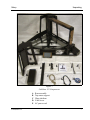
• Official 50 pound test weight
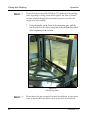
• 12" x 5" x 3.6" calibration cube, supplied with the CubiScan 125
(remove the wrapping from the calibration cube before use)
NOTE ☞
The calibration cube should be kept clean and undamaged—you
will need it each time you calibrate the CubiScan 125.
The sensors and the scale (load cell) are calibrated separately.
NOTE ☞
The following sections provide instructions for sensor and scale calibration using the CubiScan 125's touch screen. For instructions on
calibrating the CubiScan 125 using Qbit, refer to the Qbit User
Guide.
Calibrating the Touch Screen
If you are having problems selecting functions on the touch screen,
you may need to recalibrate it. You should recalibrate any time it
becomes difficult to select options on the screen.
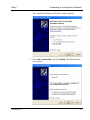
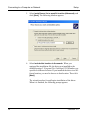
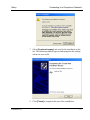
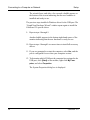
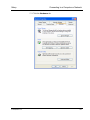
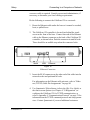
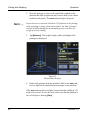
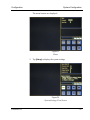
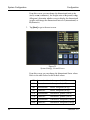
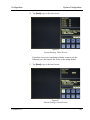
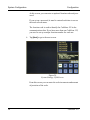
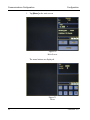
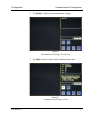
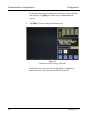
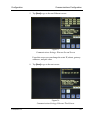
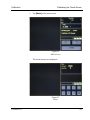
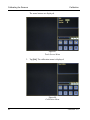
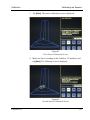
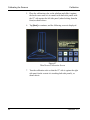
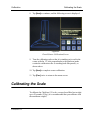
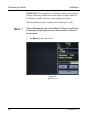
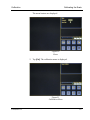
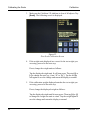
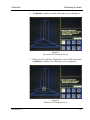
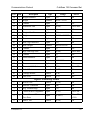
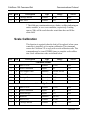
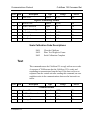
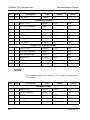
Take the following steps to calibrate the touch screen.
58
CubiScan 125