1
User’s Manual
Chapter 4 Configuration Management
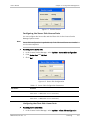
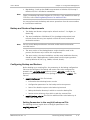
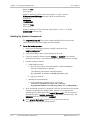
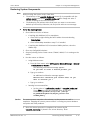
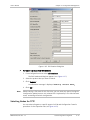
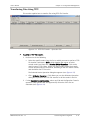
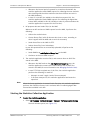
Selecting the File to Download
³
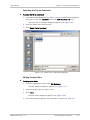
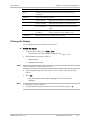
To select the file to download:
1. In the Add Product dialog box (see Figure 4-15) or the Edit Product dialog box
(see Figure 4-18), click <Browse> next to the S/W Download File field.
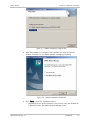
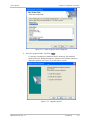
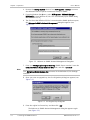
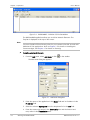
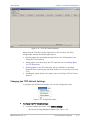
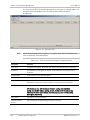
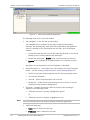
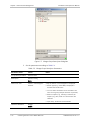
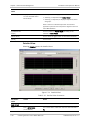
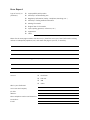
The Select File to Download dialog box appears (see Figure 4-16).
2. Select the folder name and file name.
3. Click <Select File to Download>.
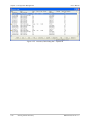
Figure 4-16. Select File to Download Dialog Box
Editing Product Data
³
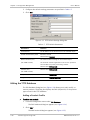
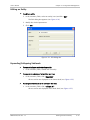
To edit product data:
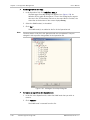
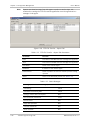
1. From the Configuration menu select Edit Database.
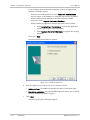
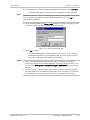
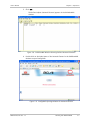
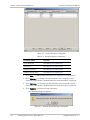
The Edit Database dialog box appears (see Figure 4-17).
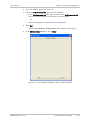
2. Select the product that you want to edit.
3. Click <Edit>.
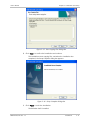
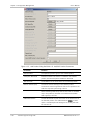
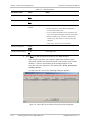
The Edit Product dialog box appears (see Figure 4-18).
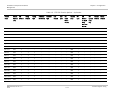
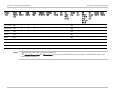
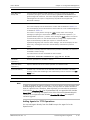
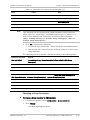
4. In the Edit Product dialog box, fill in the fields as specified in Table 4-8.
RADview-PC/Lite Ver. 1.7
Transferring Files Using TFTP
4-25