1
6. Descriptions of Functions
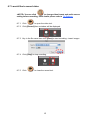
6.1 Start the Visual Presenter
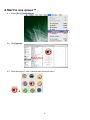
8.1.1 Click
6.2 I would like to capture images
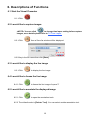
<NOTE> You can click
to change time lapse setting before capture
images, more details please refer to 7.5 Time Lapse.
8.2.1 Click
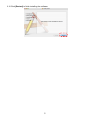
then a Save As window will be displayed.
8.2.2 Key in the file name then click [Save].
6.3 I would like to display the live image
8.3.1 Click
to display the live image.
6.4 I would like to freeze the live image
8.4.1 Click
to freeze the live image of queue™.
6.5 I would like to annotate the displayed image
8.5.1 Click
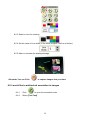
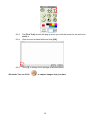
to open the annotation tools.
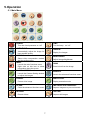
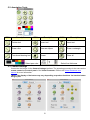
8.5.2 The default mode is [Pointer Tool]. You can select another annotation tool.
10