1
Contents
1.
Introduction ..................................................................... 2
2.
System requirement........................................................ 2
3.
Install............................................................................... 2
4.
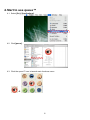
Start to use queue™ ....................................................... 6
5.
Operation ........................................................................ 7
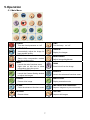
5.1 Main Menu................................................................................... 7
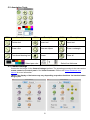
5.2 Annotation Tools .......................................................................... 8
5.3 Camera Settings.......................................................................... 8
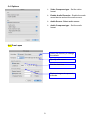
5.4 Options ........................................................................................ 9
5.5 Time Lapse .................................................................................. 9
6.
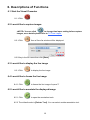
Descriptions of Functions ............................................. 10
6.1 Start the Visual Presenter.......................................................... 10
6.2 I would like to capture images ................................................... 10
6.3 I would like to display the live image ......................................... 10
6.4 I would like to freeze the live image........................................... 10
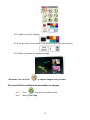
6.5 I would like to annotate the displayed image............................. 10
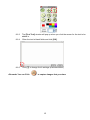
6.6 I would like to add textual annotation to images ........................ 11
6.7 I would like to record video ........................................................ 13
1