1
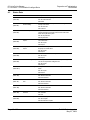
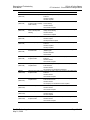
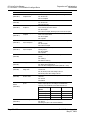
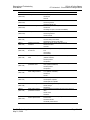
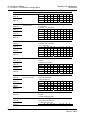
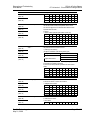
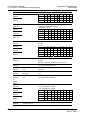
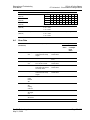
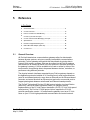
Diagnostics and Troubleshooting Driver Manual 4 CC-Link ♦ ProLinx Gateway CC-Link version 1.10 Local Station & Intelligent Device Diagnostics and Troubleshooting In This Chapter The Configuration/Debug Menu ............................................................ 43 LED Indicators....................................................................................... 47 Status Data............................................................................................48 Error Data.............................................................................................. 59 There are two ways to troubleshoot ProLinx gateways: LEDs located on the front of the gateway, and a Debug port that provides a view into the gateway’s internal database. 4.1 The Configuration/Debug Menu The Configuration and Debug menu for this module is arranged as a tree structure, with the Main Menu at the top of the tree, and one or more sub-menus for each menu command. The first menu you see when you connect to the module is the Main menu. Because this is a text-based menu system, you enter commands by typing the command letter from your computer keyboard in the diagnostic window in ProSoft Configuration Builder (PCB). The module does not respond to mouse movements or clicks. The command executes as soon as you press the command letter — you do not need to press [ENTER]. When you type a command letter, a new screen will be displayed in your terminal application. 4.1.1 Required Hardware You can connect directly from your computer’s serial port to the serial port on the module to view configuration information, perform maintenance, and send (upload) or receive (download) configuration files. ProSoft Technology recommends the following minimum hardware to connect your computer to the module: 80486 based processor (Pentium preferred) 1 megabyte of memory At least one UART hardware-based serial communications port available. USB-based virtual UART systems (USB to serial port adapters) often do not function reliably, especially during binary file transfers, such as when uploading/downloading configuration files or module firmware upgrades. A null modem serial cable. ProSoft Technology, Inc. May 21, 2009 Page 43 of 98