1
1
Welcome
2
Your DVD Player
2.1 In The Box
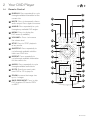
2.4 Remote Control
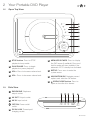
2.2 Open Top View
2.3 Side View
3
Quick Setup
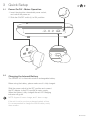
3.1 Power On/Off - Mains Operation
3.2 Charging the Internal Battery
3.3Standby
4
Basic Operation
4.2 Basic Operation
Advanced Operation
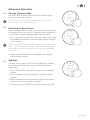
4.3 Change the Viewing Angle
4.4 Selecting an Audio Track
4.5Subtitles
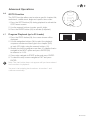
4.6 GOTO Function
4.7 Programme Playback
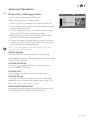
4.8 Picture Disc / JPG Image Viewer
4.9 Earphone Usage
4.10 Adjusting the Swivel Display
Setup Menu
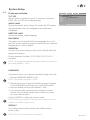
5.1 System Setup
5.2 General Setup
5.3 Audio Setup
6
Fitting The Remote Batteries
Connection to a TV
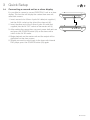
Connecting a second unit as a slave display
Operation
Getting Started
4.1 Power On and Play a DVD
5
3.4
3.5
3.6
5.4 Video Setup
5.5 Preferences Setup
Useful Information
6.1 Disc Handling
6.2 Disc Information
6.3 Copyright Information
7
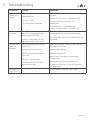
Troubleshooting
8
Technical Specifications
9
Customer Support
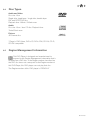
6.4 Disc Types
6.5 Region Management Information