1
Resources
•
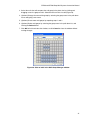
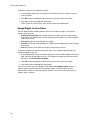
Drag and drop the .plrn file onto the CFX Manager software window or desktop
icon
• Double-click on the desired .plrn file
• Select File > Open > LIMS file from the main software window menu bar
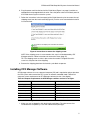
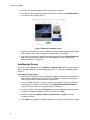
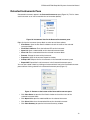
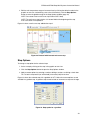
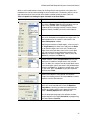
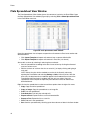
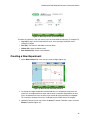
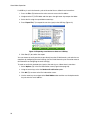
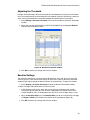
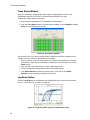
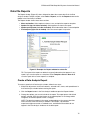
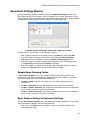
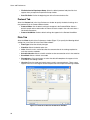
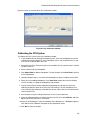
In the Experimental Setup Window, the Start Run tab is displayed. The Start Run tab includes
a section for checking information about the run that is going to be started, including the
selected protocol and plate file, and a section for selecting the instrument block.
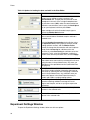
Check the RUN Information. This information includes the protocol name, the plate name, and
optional added notes.
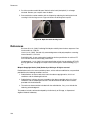
2. Click the Start Run button to begin running the experiment on the selected block.
Calibration Wizard
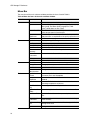
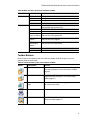
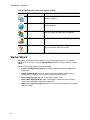
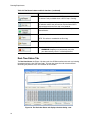
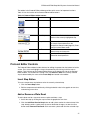
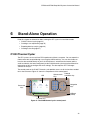
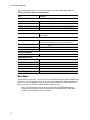
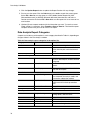
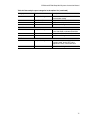
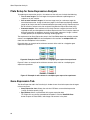
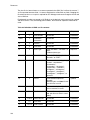
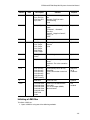
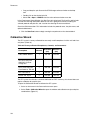
The CFX system is factory-calibrated for commonly used fluorophores in white-well and clearwell plates (Table 30).
Table 30. Factory-calibrated fluorophores, channels, and instruments.
Channel
Excitation
(nm)
Emission
(nm)
FAM, SYBR® Green I
1
450-490
515-530
VIC, HEX, CAL Fluor
Gold 540, Cal Fluor
Orange 560
2
515-535
560-580
ROX, Texas Red, CAL
Fluor Red 610, TEX 615
3
560-590
610-650
CY5, Quasar 670
4
620-650
675-690
Quasar 705, Cy5.5
5
672-684
705-730
Fluorophore
The CFX system also includes a channel dedicated for FRET chemistry; this channel does not
require calibration for specific dyes.
To open the Calibration Wizard to calibrate the CFX system:
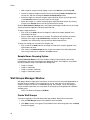
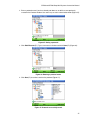
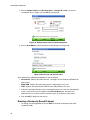
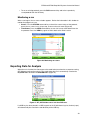
1. Select an instrument in the Detected Instruments pane.
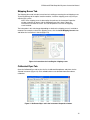
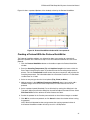
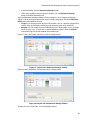
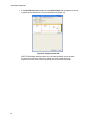
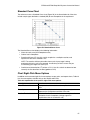
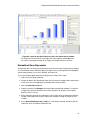
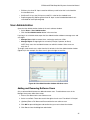
2. Select Tool > Calibration Wizard to open the window and calibrate new dye and plate
combinations (Figure 81).
102