1
INSTALLATION GUIDE for the UVS SOFTWARE
for UVIKON 900 / XS / XL
3.3.2. Installing the UVS Software
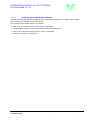
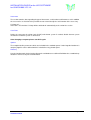
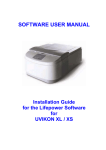
Close all other programs and insert the UVS CD. If ‘autorun’ on your PC is already active, the setup
program will launch by itself to automatically show the following screen. (Alternatively, browse to the CD
and double-click the ‘setup.exe’ file.)
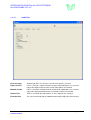
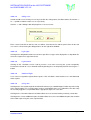
Click ‘Installation Guide’ to view this installation guide in Acrobat PDF format (requires Adobe Acrobat
to have been already installed)
Click ‘User Documentation’ to view the operating manual for the software in PDF format.
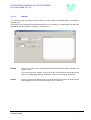
Click ‘Install Program’ to start the installation of the software. Follow the resultant instructions on the
screen. It will be necessary to re-start your computer after installation. After re-start please login with
administrator rights and start UVS once to build the database.
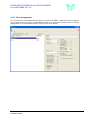
After Installation set install directory of UVS to ‘full control’ for user and power user
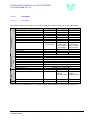
Quick Checklist :
1.
2.
3.
4.
5.
6.
7.
8.
9.
Install windows
Install printer driver
Install network
Set user groups in windows
Install UVS
Set install directory of UVS to ‘full control’ for user and power user
Reboot
Login as administrator
Run UVS once to build database
UVS Software
Installation Guide
Manual Version 2.20, Feb. 2008
Page 5 of 19