1
Serialization
Inserting Basic Serialization
Inserting Basic Serialization
To add basic serialization to the label:
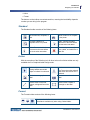
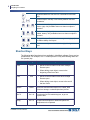
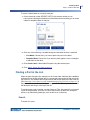
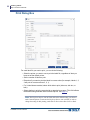
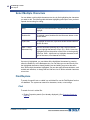
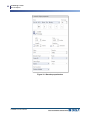
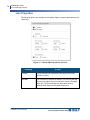
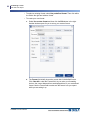
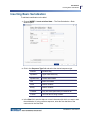
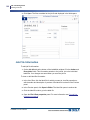
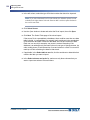
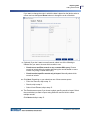
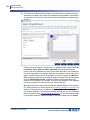
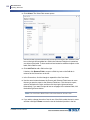
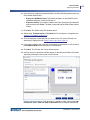
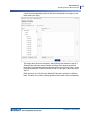
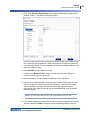
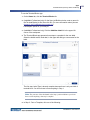
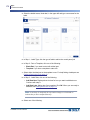
1. Choose INSERT > Insert serialized data.... The Data Serialization - Basic
window opens.
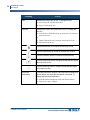
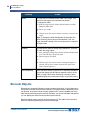
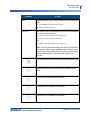
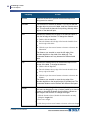
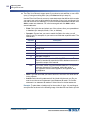
2. Click in the Sequence Type field and select the desired sequence type.
Numeric
Numbers only
Alphabetic
Upper case letters only
Alphanumeric
Letters and numbers
Hex
Base 16 numbers
Octal
Base 8 numbers
Binary
Base 2 numbers
Constant
Only one value (Start value) is entered on all
Custom
Your own text or string of letters.
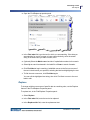
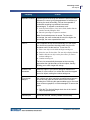
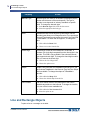
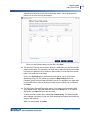
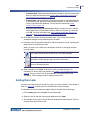
3. In the Start field, enter the alpha or numeric character with which you want to start
the serialization. If using a custom sequence, enter the first character of the
custom text in the Start field.
LabelMark 6.0 User’s Manual
91




















![LM 4.0_QuickStart_EURO [7] Languages.fm](http://vs1.manualzilla.com/store/data/006170771_1-f471c6a60f770fa9f17213cbf88d66dd-150x150.png)