1
Formatting a Label
Date and Time Object
Date and Time Object
The date and time object is a combination of a text object with data serialization
(Chapter 4 Serialization on page 89), where the data is some date or time value. A date
and time object has all the properties and behavior of a text object, with the exception
that you cannot edit the date and time by typing. You must use the Date and Time
Data dialog box to set the date and time.
You can put the date and time on one label or on multiple labels. You can also specify
if you want to use the computer’s date and time or set a specific date and time.
Adding the Date and Time
When inserting the date and time, it does not matter which, if any, label is selected.
To insert the date and time on a label:
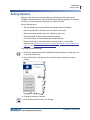
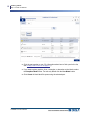
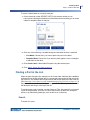
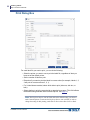
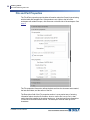
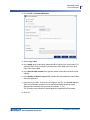
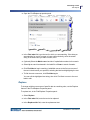
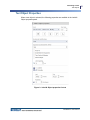
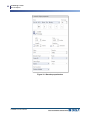
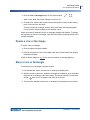
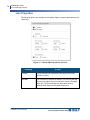
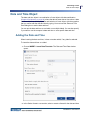
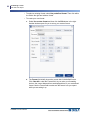
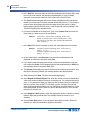
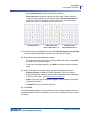
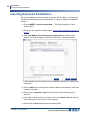
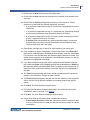
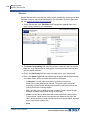
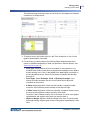
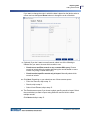
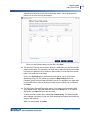
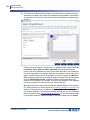
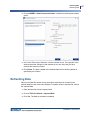
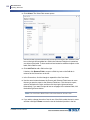
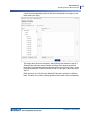
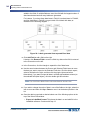
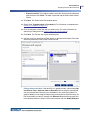
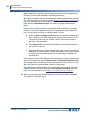
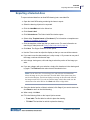
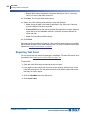
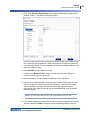
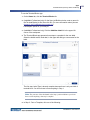
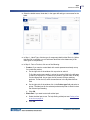
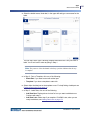
1. Choose INSERT > Insert Date/Time data. The Date and Time Data window
opens.
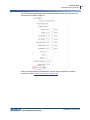
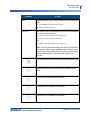
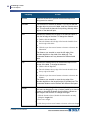
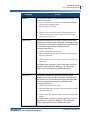
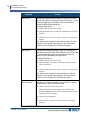
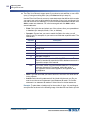
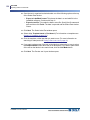
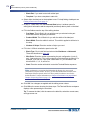
2. In the Select format to use section, select or create a format for the date and time.
LabelMark 6.0 User’s Manual
79















![LM 4.0_QuickStart_EURO [7] Languages.fm](http://vs1.manualzilla.com/store/data/006170771_1-f471c6a60f770fa9f17213cbf88d66dd-150x150.png)