1
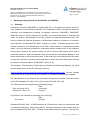
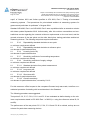
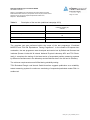
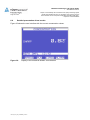
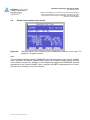
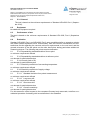
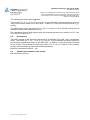
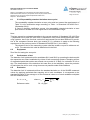
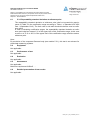
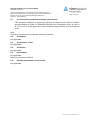
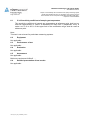
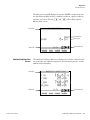
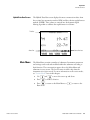
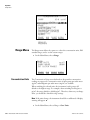
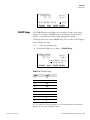
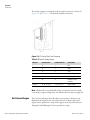
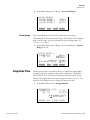
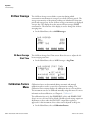
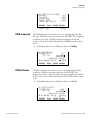
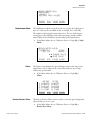
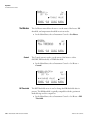
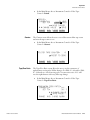
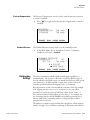
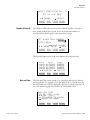
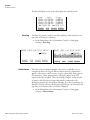
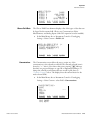
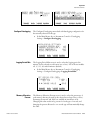
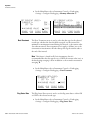
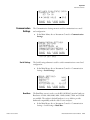
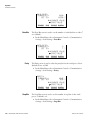
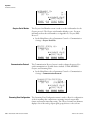
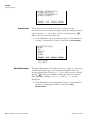
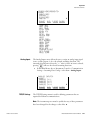
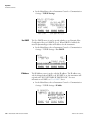
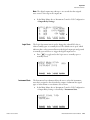
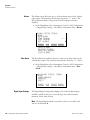
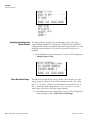
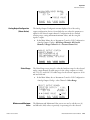
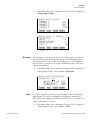
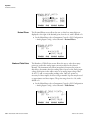
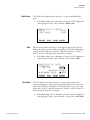
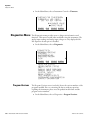
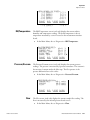
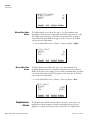
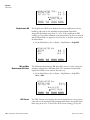
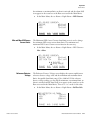
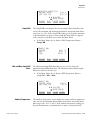
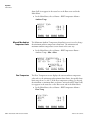
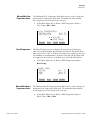
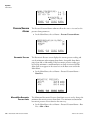
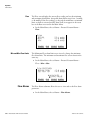
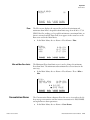
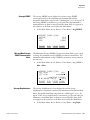
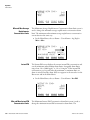
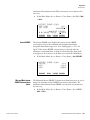
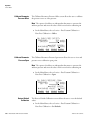
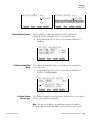
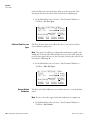
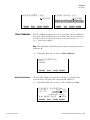
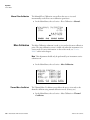
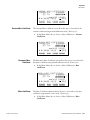
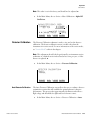
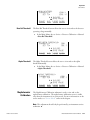
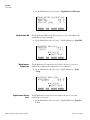
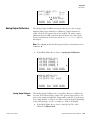
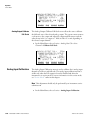
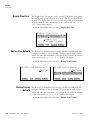
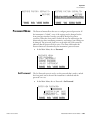
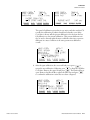
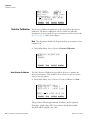
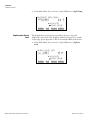
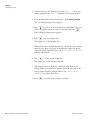
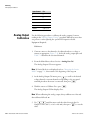
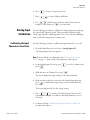
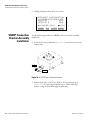
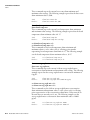
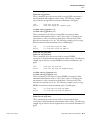
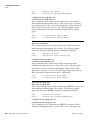
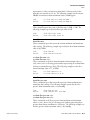
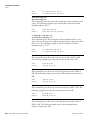
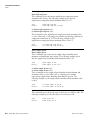
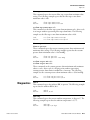
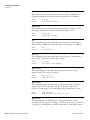
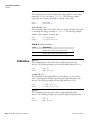
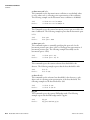
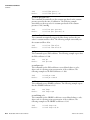
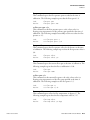
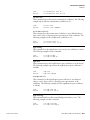
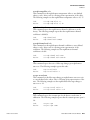
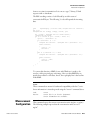
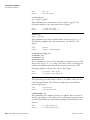
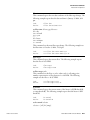
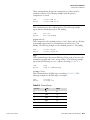
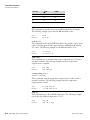
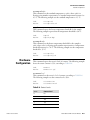
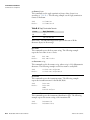
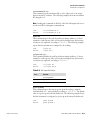
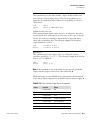
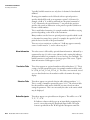
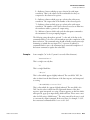
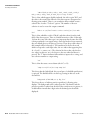
Operation Volumetric Conditions STOP BITS: CURRENTLY: SET TO: 1 2 ? ©ª CHANGE VALUE SAVE VALUE RANGE RS-232/RS-485 Selection AVG DIAGS ALARM The RS-232/RS-485 Selection screen allows the user to choose between the RS-232 or RS-485 specification for serial communication. Equipment Damage Disconnect the serial cable before changing the RS232 and RS-485 selection to prevent damage to any equipment currently connected to the analyzer. ▲ ● In the Main Menu, choose Instrument Controls > Communication Settings > Serial Settings > RS-232/485 Selection. ● RS-232/RS-485 SELECT: XXXXXX** WARNING **XXXXXXX ● DISCONNECT THE SERIALX X CABLES BEFORE CHANGING X ● THE SELECTION!XXXXXX TO CONTINUE ● RANGE Instrument ID AVG ● RANGE AVG DIAGS ALARM The Instrument ID screen allows the operator to edit the instrument ID number. The ID is used to identify the instrument when using the C-Link or MODBUS protocols to control the instrument or collect data. It may be necessary to edit the ID number if two or more instruments of the same model are connected to one computer. Valid instrument ID numbers are from 0 to 127. The Model 5030i has a default instrument ID of 14. For more information about the instrument ID, see Appendix B “C-Link Protocol” or Appendix C “MODBUS Protocol”. ● Thermo Fisher Scientific DIAGS ALARM RS-232/RS-485 SELECT: CURRENTLY: RS-232 SET TO: RS-485 ? MAKE SURE THAT THE CABLEXX IS OFF: PRESS ¨ TO CONFIRM TOGGLE VALUE In the Main Menu, choose Instrument Controls > Communication Settings > Instrument ID. Model 5030i SHARP Instruction Manual 3-37