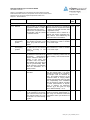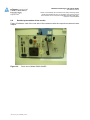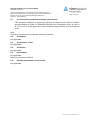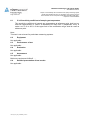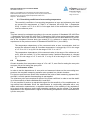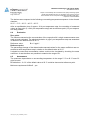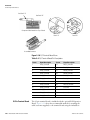
1
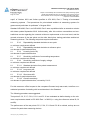
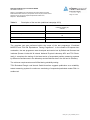
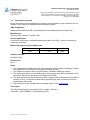
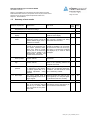
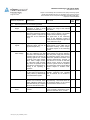
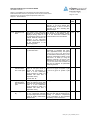
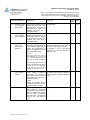
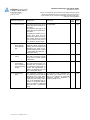
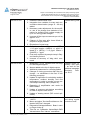
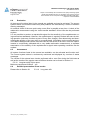
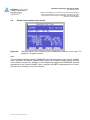
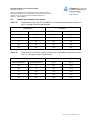
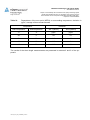
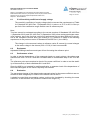
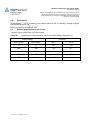
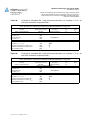
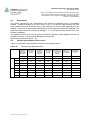
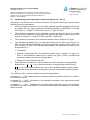
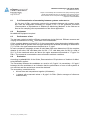
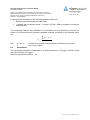
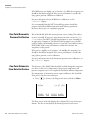
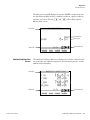
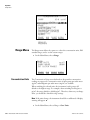
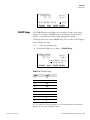
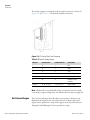
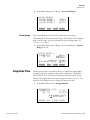
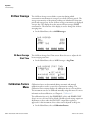
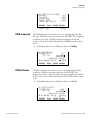
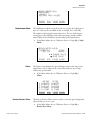
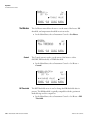
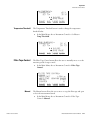
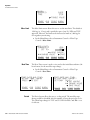
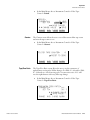
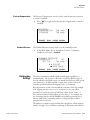
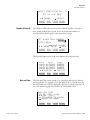
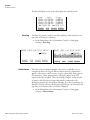
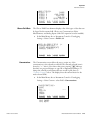
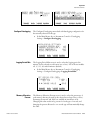
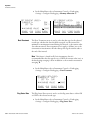
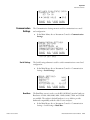
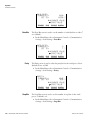
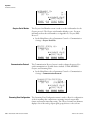
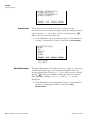
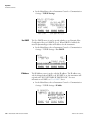
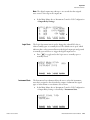
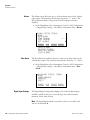
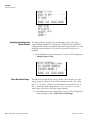
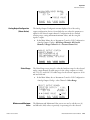
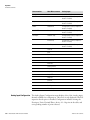
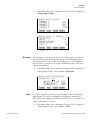
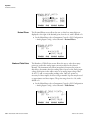
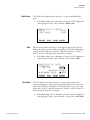
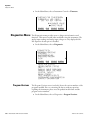
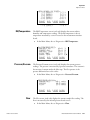
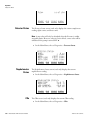
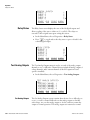
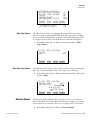
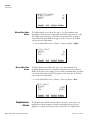
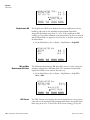
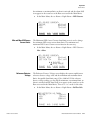
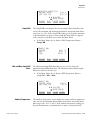
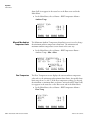
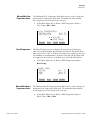
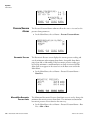
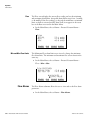
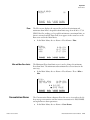
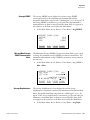
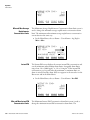
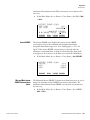
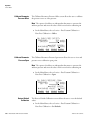
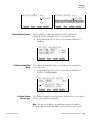
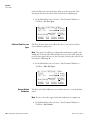
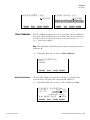
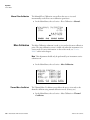
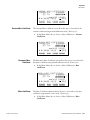
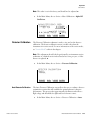
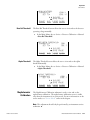
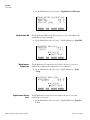
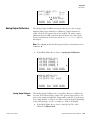
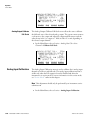
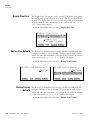
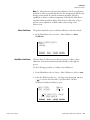
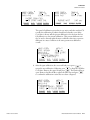
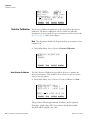
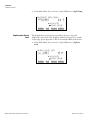
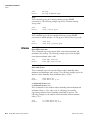
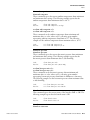
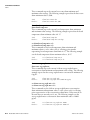
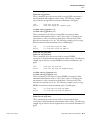
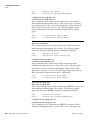
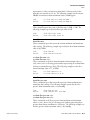
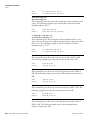
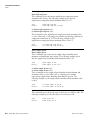
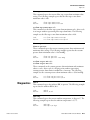
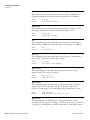
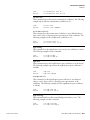
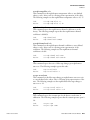
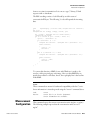
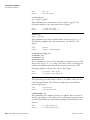
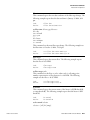
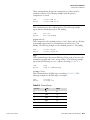
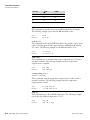
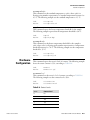
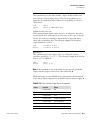
Operation Volumetric Conditions ALLOW OVER/UNDER RANGE: CURRENTLY: ON SET TO: OFF ? TOGGLE VALUE RANGE Analog Output Configuration (Select Action) AVG DIAGS ALARM The Analog Output Configuration menu displays a list of the analog output configuration choices, from which the user selects the parameter to adjust for the selected output channel. Configuration choices include selecting range, setting minimum/maximum values, and choosing the signal to output. ● In the Main Menu, choose Instrument Controls > I/O Configuration > Analog Output Config > All Voltage Channels, All Current Channels, Voltage Channel 1–6 or Current Channel 1–6. ANALOG OUTPUT CONFIG: >SELECT RANGE SET MINIMUM VALUE SET MAXIMUM VALUE CHOOSE SIGNAL TO OUTPUT RANGE Select Range AVG DIAGS ALARM The Select Range screen is used to select the hardware range for the selected analog output channel. Possible ranges for the voltage outputs are: 0-100 mV, 0-1, 0-5, and 0-10 V. Possible ranges for the current outputs are: 0-20 mA and 4-20 mA. ● In the Main Menu, choose Instrument Controls > I/O Configuration > Analog Output Config > select Channel > Select Range. SELECT OUTPUT RANGE: SELECTED OUTPUT: V ALL CURRENTLY: 0-10V SET TO: 0-100mV ? ©ª CHANGE VALUE RANGE Minimum and Maximum Value Thermo Fisher Scientific AVG SAVE DIAGS ALARM The Minimum and Maximum Value screens are used to edit the zero (0) and full-scale (100) values, respectively, in percentages for the selected Model 5030i SHARP Instruction Manual 3-49