1
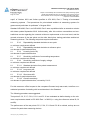
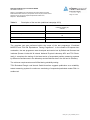
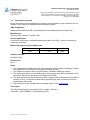
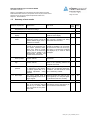
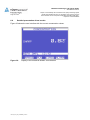
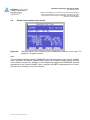
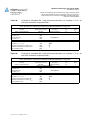
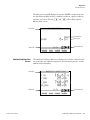
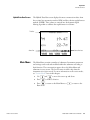
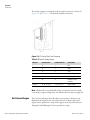
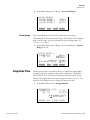
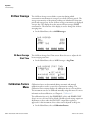
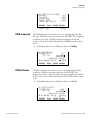
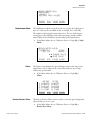
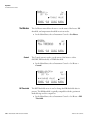
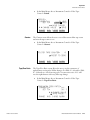
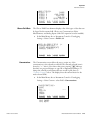
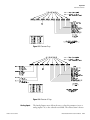
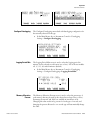
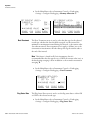
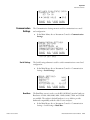
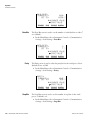
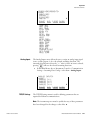
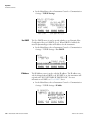
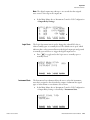
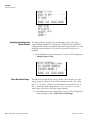
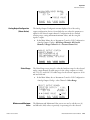
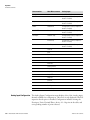
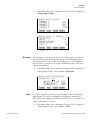
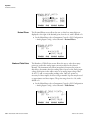
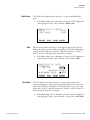
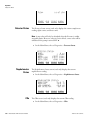
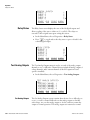
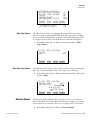
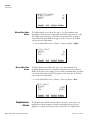
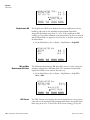
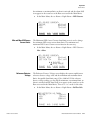
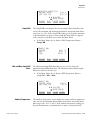
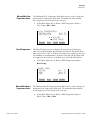
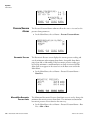
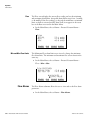
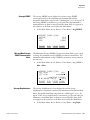
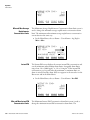
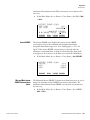
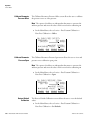
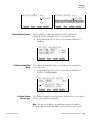
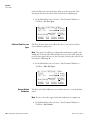
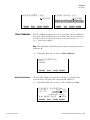
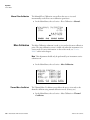
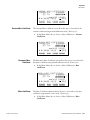
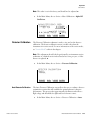
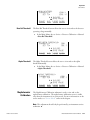
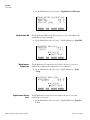
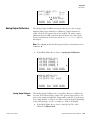
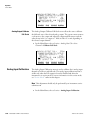
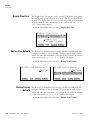
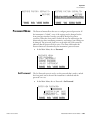
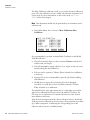
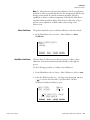
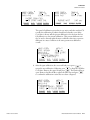
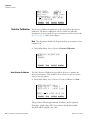
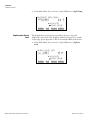
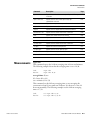
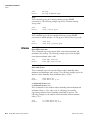
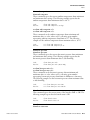
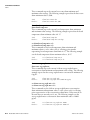
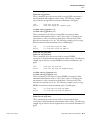
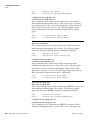
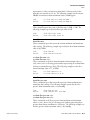
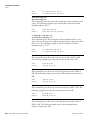
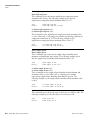
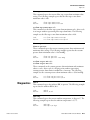
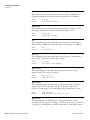
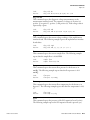
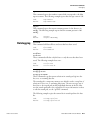
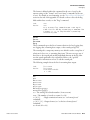
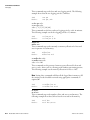
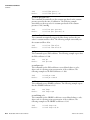
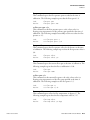
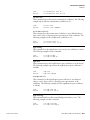
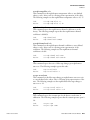
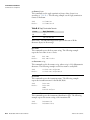
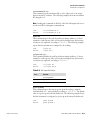
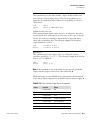
Operation Volumetric Conditions Table Points The Table Point submenu allows the user to set up an individual table point. ● In the Main Menu, choose Instrument Controls > I/O Configuration > Analog Input Config > select Channel > Point 1–10. TABLE POINT 01 CONFIG: >VOLTS 0.00 USER VALUE 0.00 RANGE Volts AVG DIAGS ALARM The Volts screen allows the user to set the input voltage for the selected table point in the conversion table, from 0.00 to 10.50. The default table is a two-point table with point 1: 0.00 V = 000.0 U and point 2: 10.00 V = 10.0 U, where U is the previously entered unit of measure. ● In the Main Menu, choose Instrument Controls > I/O Configuration > Analog Input Config > select Channel > select Point > Volts. TABLE POINT 01 VOLTS: CURRENTLY: 0.00 SET TO: 00.00 §¨ MOVE CURSOR ©ª CHANGE VALUE SAVE RANGE User Value DIAGS ALARM The User Value screen allows the user to set the output value for the corresponding input voltage for the selected table point in the conversion table, from -9999999 to 99999999. The default table is a two-point table with point 1: 0.00 V = 000.0 U and point 2: 10.00 V = 10.0 U, where U is the previously entered unit of measure. ● Thermo Fisher Scientific AVG In the Main Menu, choose Instrument Controls > I/O Configuration > Analog Input Config > select Channel > select Point > User Value. Model 5030i SHARP Instruction Manual 3-55