1
eSchoolData Attendance Guide
Perfect Attendance
Reports> Attendance> Perfect Attendance
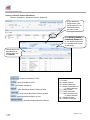
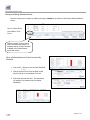
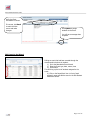
The Perfect Attendance report identifies students with perfect attendance based on the criteria entered. This can
be run for any date range and includes the ability to ignore specific Absent/Tardy attendance reasons that should
not count against a student’s attendance record according to your school’s attendance policy.
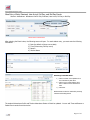
Note: Checking “Daily Only” will look at only Daily Attendance. Leaving this check box empty will include
Period Attendance in this report.
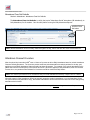
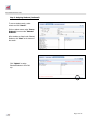
To ignore specific attendance reasons for Tardy and/or Absent, click on the Tardy or Absent button and click on
the reasons to be ignored in the list. Then click “Search”.
Attendance Reasons Search Report
Reports> Attendance> Attendance Reasons Search Report
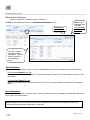
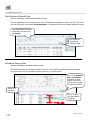
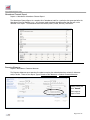
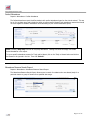
The Attendance Reasons Search Report allows a user to search for students who were absent/tardy for a
particular reason or group of reasons for a specified date range.
Page 21 of 25