1
H o w
t o
U s e
i A u t o F o c u s
46
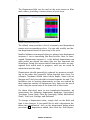
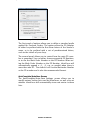
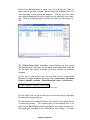
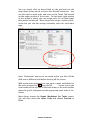
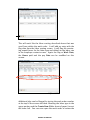
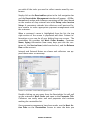
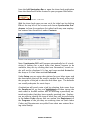
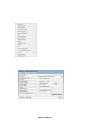
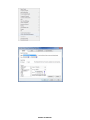
iAutoFocus New Contact Screen
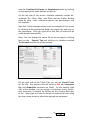
Note: When entering vendors you will notice an account info
icon towards the right of the screen below the id number where
you can enter account terms used when exporting to accounting
interfaces before clicking on the account info tab you will need
to save the contact record by clicking on apply at the lower
right.
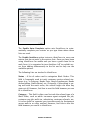
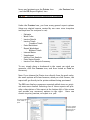
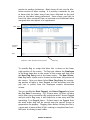
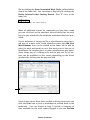
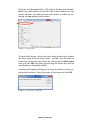
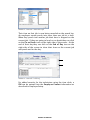
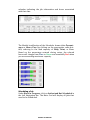
When entering an employee there is a display field which defaults to the first name but you can choose to make that the initials or employee id # if you would prefer. This field is used for
displaying the technician on the main grid and the work in progress reports.
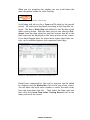
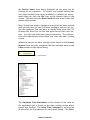
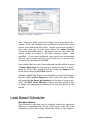
When you have completed entering information for the contact
record press Apply at the lower right to save or Okay at the
lower right to save and exit or the Add new icon on this screen
at the upper left to save and add another contact of the same
type.
Utilities
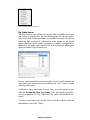
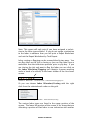
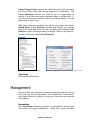
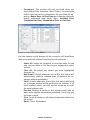
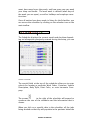
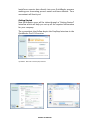
The Utilities heading list two options to choose from: Import
and Export. You will use The Import function to import estimate
into iAutoFocus Collision Management Software from any estimating software you currently use.
Note: Importing estimates in iAutoFocus is discussed in greater
detail in the Importing Estimates section of this manual.
NewEra Confidential