1
H o w
t o
U s e
i A u t o F o c u s
57
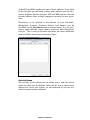
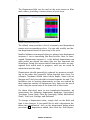
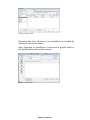
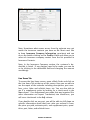
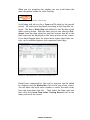
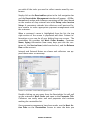
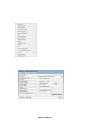
iAutoFocus Work Order Screen – Insurance Tab
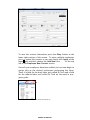
Note: Sometimes what comes across from the estimate may not
match the insurance contacts you have on file. Most users like
to keep Insurance Company Information consistent and can
do so by double-clicking on the Profile # field and allow you to
select an insurance company contact from the list provided in
Insurance Contacts.
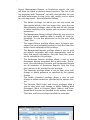
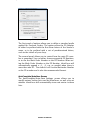
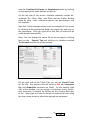
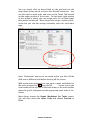
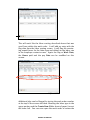
Note: In the Insurance Company section, the customer’s deductible is listed. If any changes need to be made, you can do
so by clicking in the deductible field and changing the amount
accordingly.
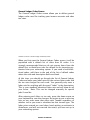
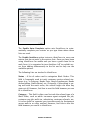
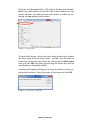
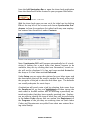
Line Items Tab
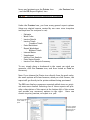
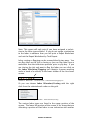
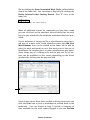
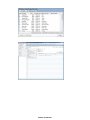
To access the Line Items screen, open a Work Order and click on
the Line Items Tab at the top of the screen. Here you are able to
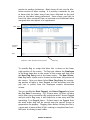
see the repair of the estimate including descriptions, part numbers, price, labor and refinish times, etc. You are also able to
see if a supplement exists by looking for a check mark in the
Sup column. If an Adjustment was made that was imported (for
more information see Import Translation) into iAutoFocus, you
will see a checkmark in the Adj column.
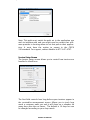
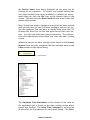
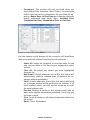
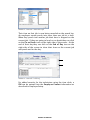
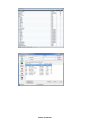
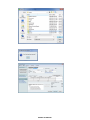
If you double click on any part, you will be able to drill down on
specific information about that part: who you ordered it from,
the price you paid, estimate price, and supplement price, quantities, part, labor, and refinish times.
NewEra Confidential