1
WebBank 1.6 - Internet Banking User Manual (Individuals)
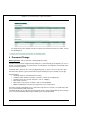
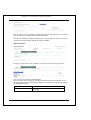
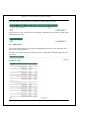
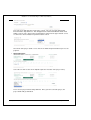
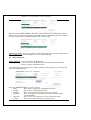
If you wish to print out the results of any of the enquiries, click on the “Print” button. This will
open up a printer friendly version of the results in a new window.
After printing, you can close this window to go back to the General Enquiries results window.
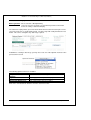
Click on the “Another Enquiry” button if you wish to run another enquiry.
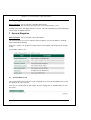
8 Internet Banking Activities
8.1
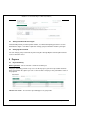
Balance Enquiry
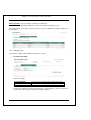
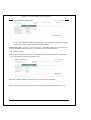
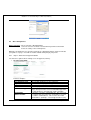
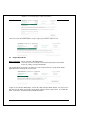
How to get there: Select a function > Do My Banking
Select an account > Select the account which you’d like to work with
Select an activity > Balance Enquiry
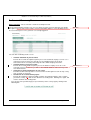
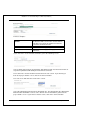
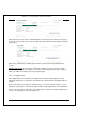
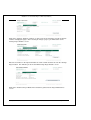
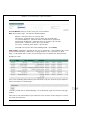
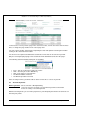
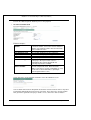
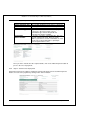
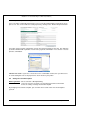
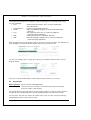
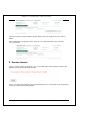
The balance enquiry will show the current and available balances for the selected account. It
will also show any uncleared effects and overdraft limits, as well as a list of the last 10
transactions that took place on the account.
Last Updated: 11/3/2006 1:30 PM
Private and Confidential to BastionZA
Page 24