1
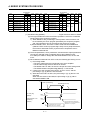
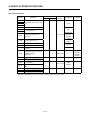
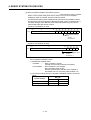
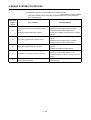
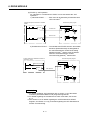
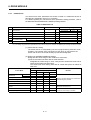
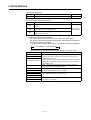
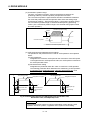
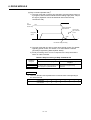
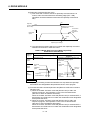
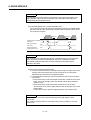
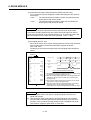
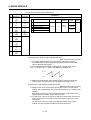
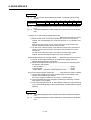
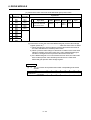
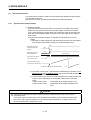
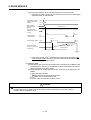
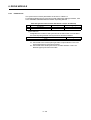
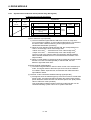
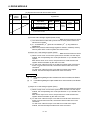
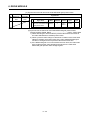
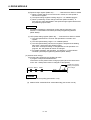
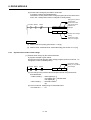
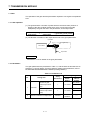
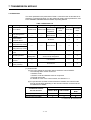
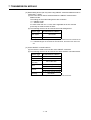
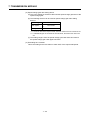
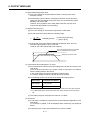
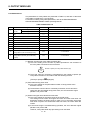
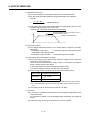
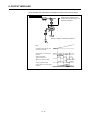
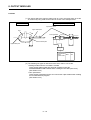
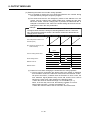
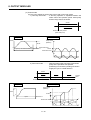
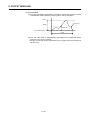
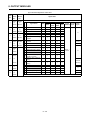
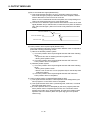
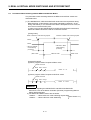
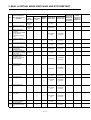
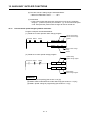
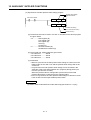
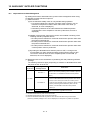
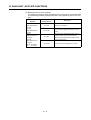
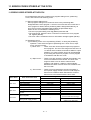
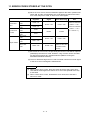
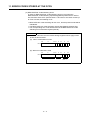
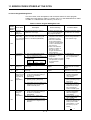
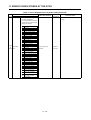
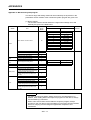
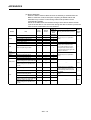
7. TRANSMISSION MODULE 7.3.2 Parameter list The speed change gear parameters are presented in Table 7.3 and each item in this table is explained in (1) through (3) below. For the method for setting speed change gear parameters, refer to the SW2SRX-GSV22PE/SW0IX-CAMPE Operating Manual. Table 7.3 Speed Change Gear Parameter List No. Setting Item Default Value Setting Range 1 Speed change gear ratio upper limit 10000 1 to 10000 2 Speed change gear ratio lower limit 1 1 to 10000 Speed change gear ratio setting 3 Smoothing time constant 4 D0 to D799 device (1 word) 0 W0 to W3FF 0 to 65535(ms) (1) Speed change gear ratio upper limit value/lower limit value (a) This is the setting for the effective range (0.01% to 100%) for the speed change gear ratio set in the speed change gear ratio setting device. (b) If the set value of the speed change gear ratio setting device is greater than the speed change gear ratio upper limit value, control is executed with the speed change gear ratio clamped at the upper limit value. Conversely, if the set value of the speed change gear ratio setting device is smaller than the speed change gear ratio lower limit value, control is executed with the speed change gear ratio clamped at the lower limit value. Speed change gear ratio 10000 Speed change gear ratio upper limit Speed change gear ratio lower limit Clamped at speed change gear ratio upper limit value Control executed at set speed change gear ratio 1 Clamped at speed change gear ratio lower limit value (c) The speed change gear ratio upper limit value/lower limit value is set in the range 1 to 10000, i.e. 100 times the settings actually made: 0.01% to 100%. (d) Set the speed change gear ratio upper limit value/lower limit value in accordance with the formula below. 1≤ Speed change gear ratio lower limit 7 − 21 ≤ Speed change gear ratio upper limit ≤ 10000