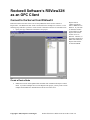
1
6.
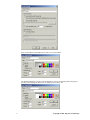
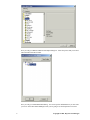
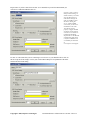
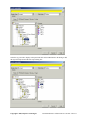
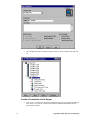
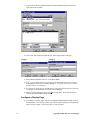
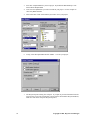
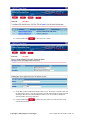
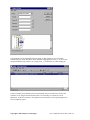
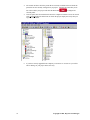
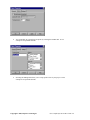
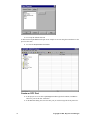
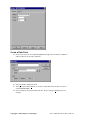
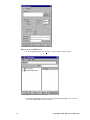
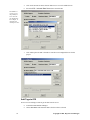
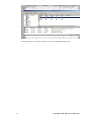
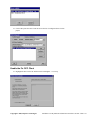
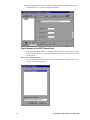
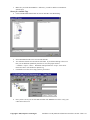
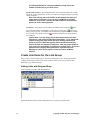
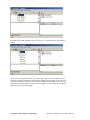
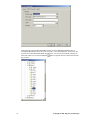
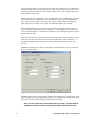
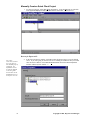
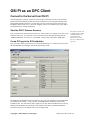
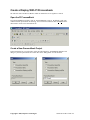
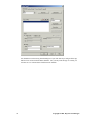
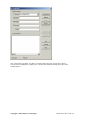
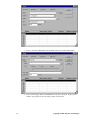
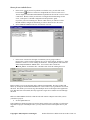
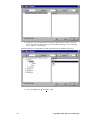
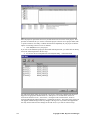
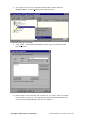
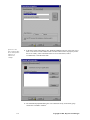
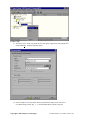
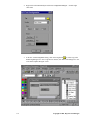
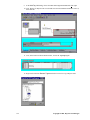
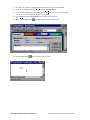
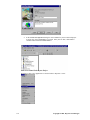
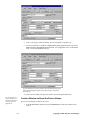
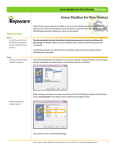
In the OPC Tag Browser tree view expand KEPware.KEPServerEx.V4 and then select
Device_1 under Channel_1. A list of the tags available under Device_1 will appear in the
right-hand pane of the browser.
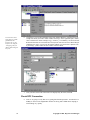
If your are connecting to a server located on another PC then you would browse through the
Network Neighborhood, select the PC running the server and then select the server from the
available list. You will need to configure DCOM for the remote connection. See Kepware’s
DCOM Configuration for KepserverEx guide for details.
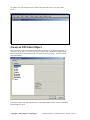
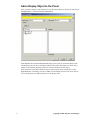
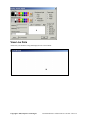
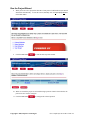
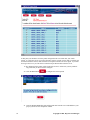
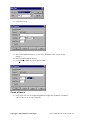
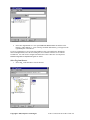
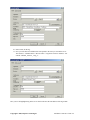
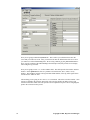
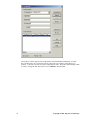
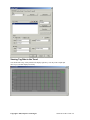
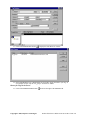
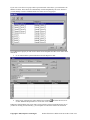
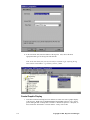
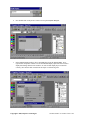
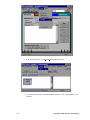
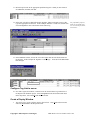
Select Tag from Browser
7.
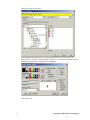
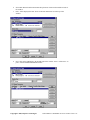
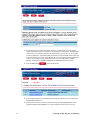
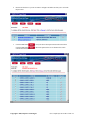
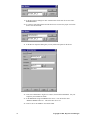
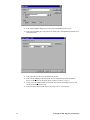
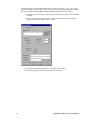
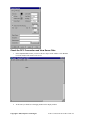
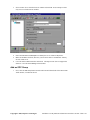
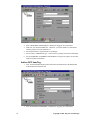
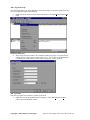
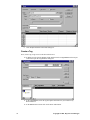
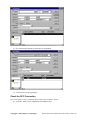
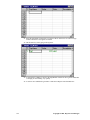
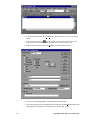
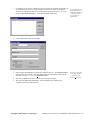
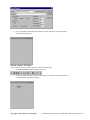
Select Tag_1 and click OK to close the browser.
Copyright © 2001, Kepware Technologies
Iconics’ Genesis32® as an OPC Client • 45