1
5.
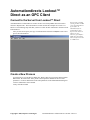
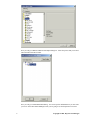
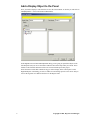
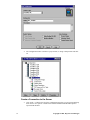
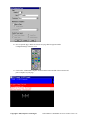
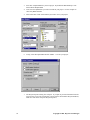
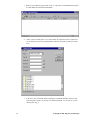
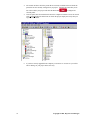
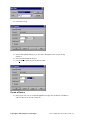
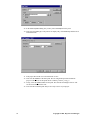
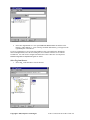
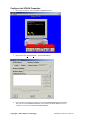
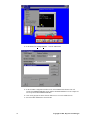
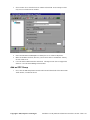
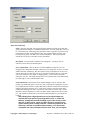
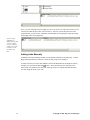
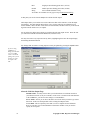
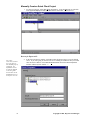
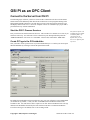
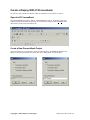
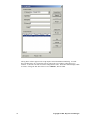
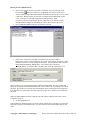
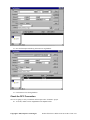
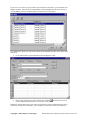
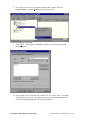
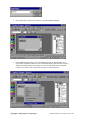
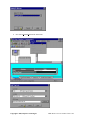
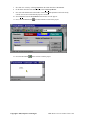
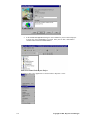
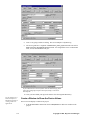
Click on the I/O Driver Name selection button to see a list of available drivers.
6.
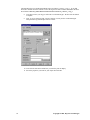
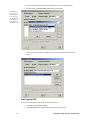
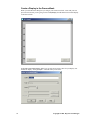
Select the IDS – Industrial Data Server driver and click OK.
7.
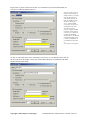
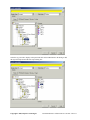
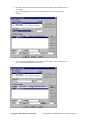
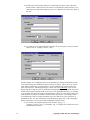
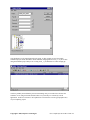
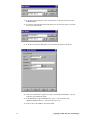
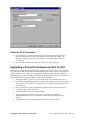
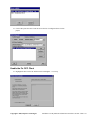
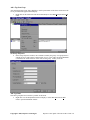
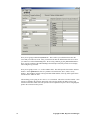
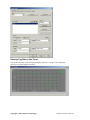
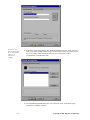
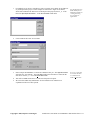
Click Add to place the OPC Client driver into the list of configured drivers for this
project.
The IDS driver
version you see
sill probably be
newer then the
one displayed in
this example. It
will still work
with KepserverEx.
Add Tags to iFIX
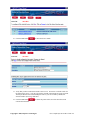
Now we need to add tags to iFIX to get the data from the server.
52
8.
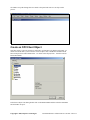
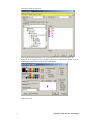
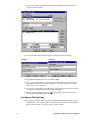
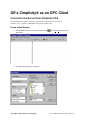
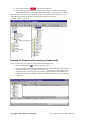
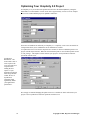
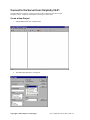
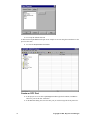
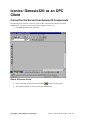
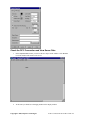
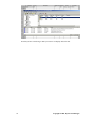
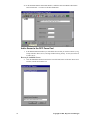
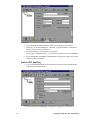
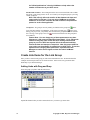
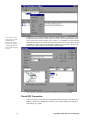
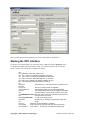
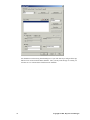
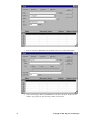
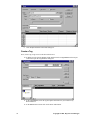
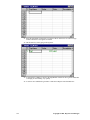
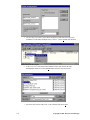
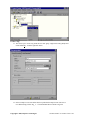
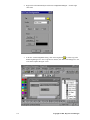
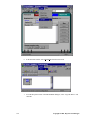
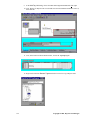
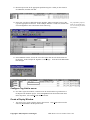
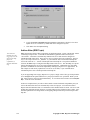
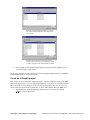
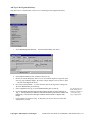
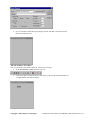
Launch the iFIX Database Manager.
9.
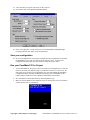
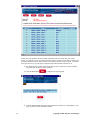
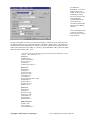
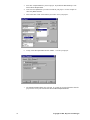
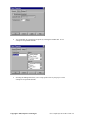
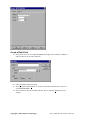
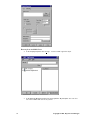
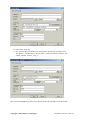
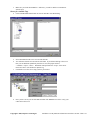
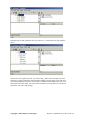
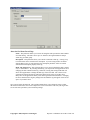
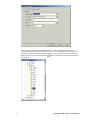
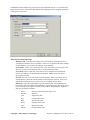
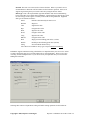
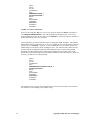
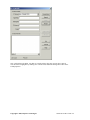
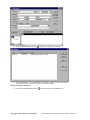
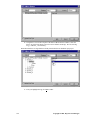
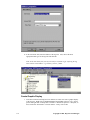
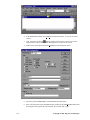
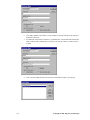
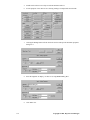
Choose New Block and ensure that IDS is the driver that is selected.
Copyright © 2001, Kepware Technologies