1
Hibsoft Label DesignerPro
User Manual
5.3 Borders Tab
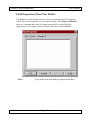
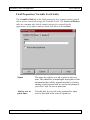
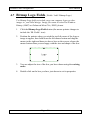
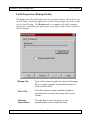
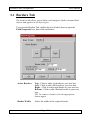
The borders tab allows you to define and configure borders around label
objects and applies to all object types.
To access the Borders Tab, double-click on a label obect to open the
Field Properties box, then click on Borders.
Active Borders:
Top - Click to add a top border to your text box.
Left - Click to add a left border to your text box.
Right - Click to add a right border to your text box.
Bottom - Click to add a bottom border to your text
box.
NB: To remove a border click the appropriate
button again.
Border Width:
Select the width of the required border.
Page : 50