1
Mainframe, SONET Version
5
ANT-20/ANT-20E
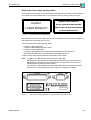
Replacing the air filter pad
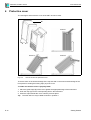
Air for cooling the ANT-20 is sucked in mainly through the left-hand half of the instrument
housing. An air filter pad behind the left-hand side panel cleans this air flow.
The air filter should be cleaned at regular intervals. The frequency of cleaning will depend on
the use and operating conditions of the instrument. If the filter is not cleaned or if the instrument
is operated without the filter, the dust and dirt deposited may damage the instrument.
5.1
ANT-20
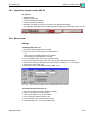
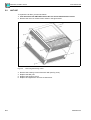
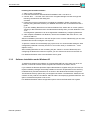
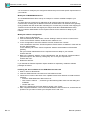
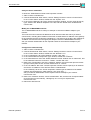
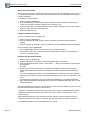
To replace the air filter, proceed as follows:
1. First disconnect the ANT-20 from the AC line and all measurement circuits.
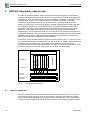
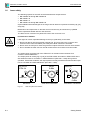
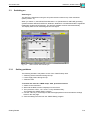
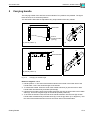
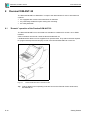
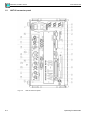
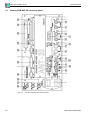
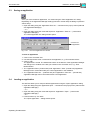
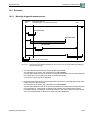
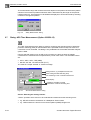
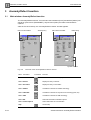
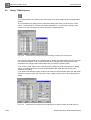
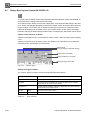
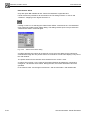
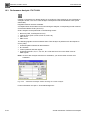
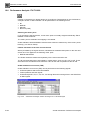
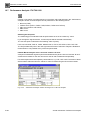
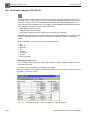
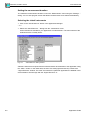
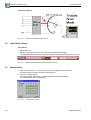
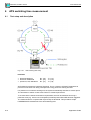
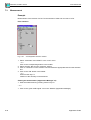
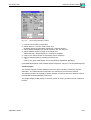
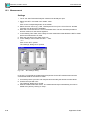
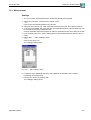
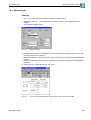
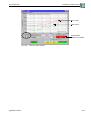
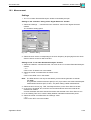
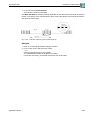
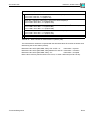
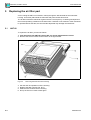
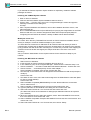
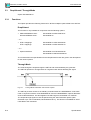
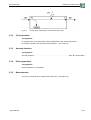
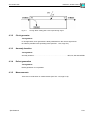
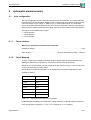
2. Remove the five hex socket screws shown in the figure below.
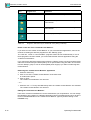
Fig. M-3
3.
4.
5.
6.
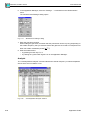
M-4
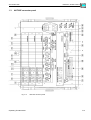
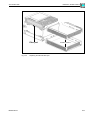
Removing the ANT-20 from its housing
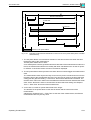
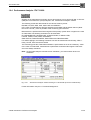
Pull the ANT-20 upwards out of the housing.
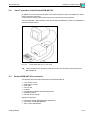
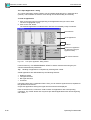
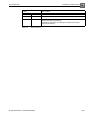
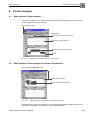
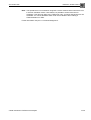
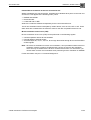
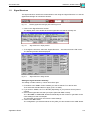
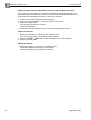
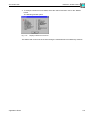
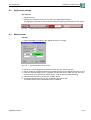
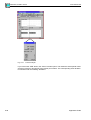
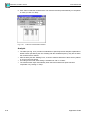
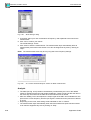
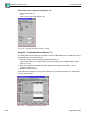
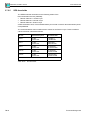
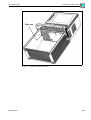
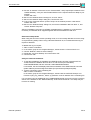
Replace the filter pad (see Fig. M-4).
Slide the ANT-20 back into the housing.
Do up the five hex socket screws again.
Maintenance