1
User Manual
November 2011
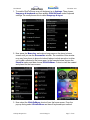
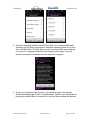
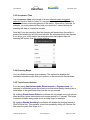
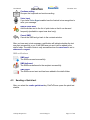
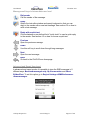
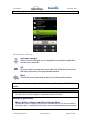
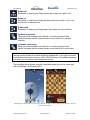
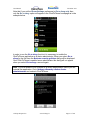
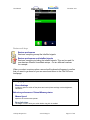
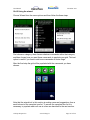
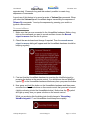
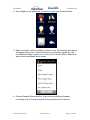
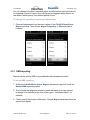
3. First test that the HouseMate hardware is receiving the InfraRed signal by
pressing the button on the remote control. You should see the red InfraRed
symbol
on the HouseMate hardware blink every time you press the button.
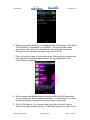
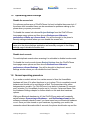
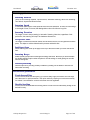
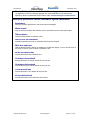
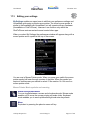
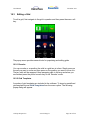
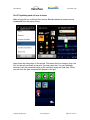
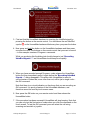
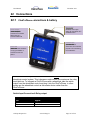
4. Now press and hold the button on the HouseMate hardware. When you are
ready make a short press of the button on the remote control whose signal
you want to record and then release both buttons. While you are doing this
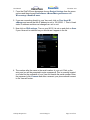
the dialog text should change to just “Recording Primary InfraRed
Signal…” and HouseMate should beep more rapidly.
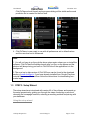
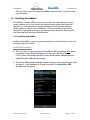
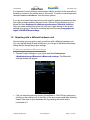
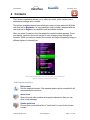
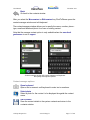
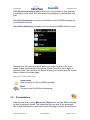
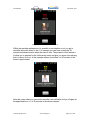
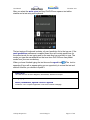
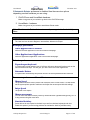
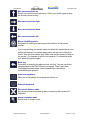
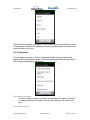
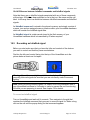
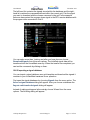
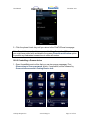
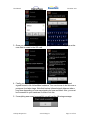
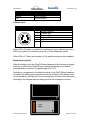
5. If HouseMate did not detect any InfraRed signal the record operation will be
canceled. Otherwise the following dialog should appear.
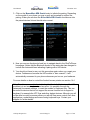
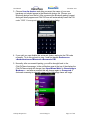
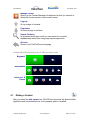
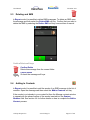
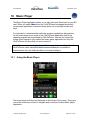
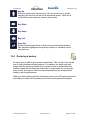
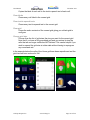
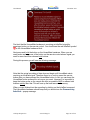
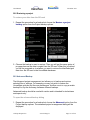
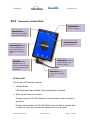
6. Now HouseMate is ready to record a second copy, or alternate, of the signal.
This is how HouseMate records the toggle codes described earlier. As before
press and hold the button on the HouseMate hardware. Then make a short
press of the button on the remote control whose signal you want to record
and then release both buttons. While you are doing this the dialog text should
change to “Recording alternate InfraRed signal…” and HouseMate
should beep more rapidly.
©Unique Perspectives
www.click2go.ie
Page 111 of 168