1
User Manual
17.3
November 2011
Editing your settings
My Settings enables an expert user to edit their own preference settings and
HouseMate grids using a virtual mouse pointer. The virtual mouse pointer is
similar to that available with HouseMate+ but will operate with any hardware
(HouseMate or ClickToPhone). However it can function only within the
ClickToPhone environment and cannot control other apps.
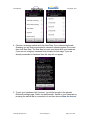
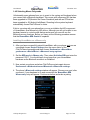
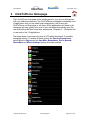
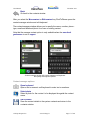
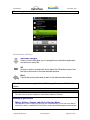
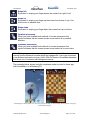
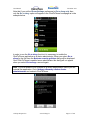
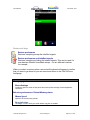
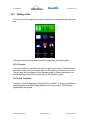
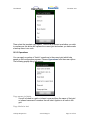
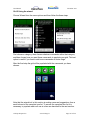
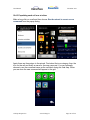
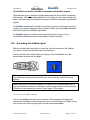
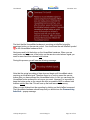
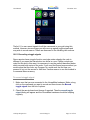
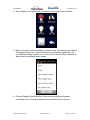
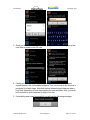
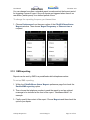
When you select My Settings the preferences window will appear along with a
mouse pointer and a symbol at the top of the screen.
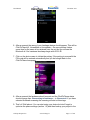
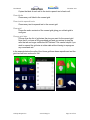
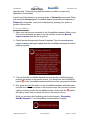
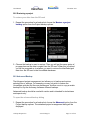
You are now in Mouse Pointer mode. When you press your switch the mouse
pointer symbol will scan through a series of symbols. When the symbol you
require is visible press your switch to select it. See section 14.4 for more on
mouse pointer mode.
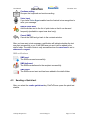
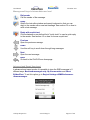
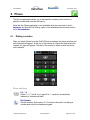
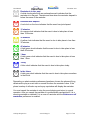
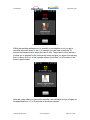
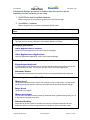
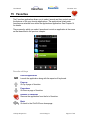
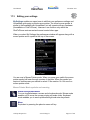
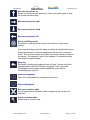
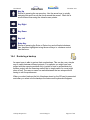
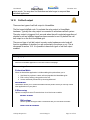
Mouse Pointer Mode symbols and meaning
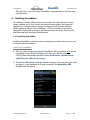
Switch to Keyboard mode
You can toggle between a mouse and a keyboard mode. Mouse mode
enables you to move the mouse pointer and make clicks. Keyboard
mode enables you to send up/down/left/right and enter key events.
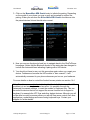
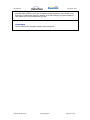
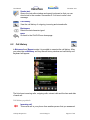
Menu
Equivalent to pressing the phone‟s menu soft key
©Unique Perspectives
www.click2go.ie
Page 92 of 168