1
User Manual
November 2011
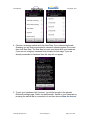
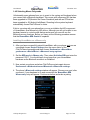
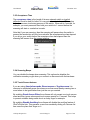
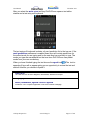
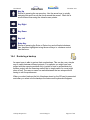
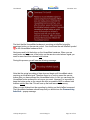
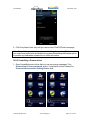
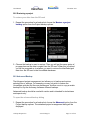
2. Select the files you want and then choose whether you want to back them up
or restore them.
20.4 Factory Reset
It is possible to completely reset your project to factory default. This action resets
all the preferences to their default values and sets the HouseMate grids to the
example project. It does not recreate the dictionary or erase the InfraRed signals
in your HouseMate hardware.
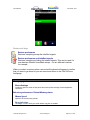
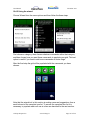
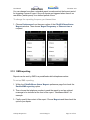
To reset your project settings
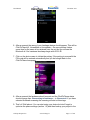
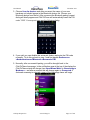
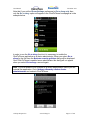
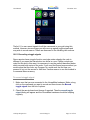
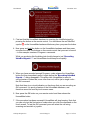
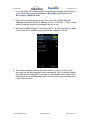
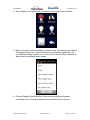
From the ClickToPhone homepage choose Project Settings from the Menu
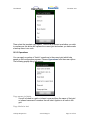
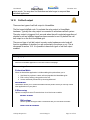
options and then choose Reset Project. You will be asked to enter the password
“1234” to confirm this action.
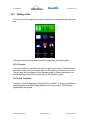
To recreate the word prediction file.
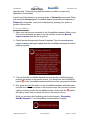
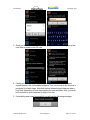
To recreate the dictionary choose Project Settings from the Menu options and
then choose Recreate Dictionary.
Note: If you change the phone‟s language it is necessary to recreate the
dictionary to install the new words. At time of writing dictionary files exist for
Dutch, Danish, French, Finish, German and Italian languages.
©Unique Perspectives
www.click2go.ie
Page 140 of 168