1
User Manual
November 2011
You can change how often a standard report is made and set the timeout period
for triggering a once off report. Once off reports are triggered when there is no
user action (switch press) for a defined period of time.
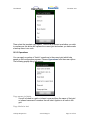
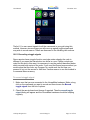
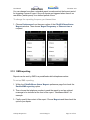
To change the reporting frequency or timeout time
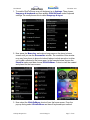
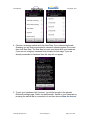
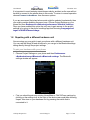
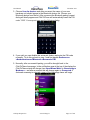
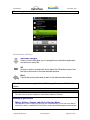
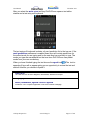
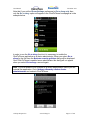
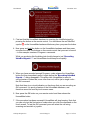
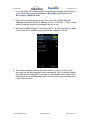
1. Choose Preferences from the menu option of the ClickToPhone Status
Reports window. Then choose Report Frequency or Timeout time a
required.
21.2 SMS reporting
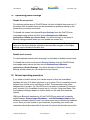
Reports can be sent by SMS to a predefined mobile telephone number.
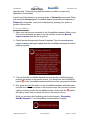
To set up SMS reporting.
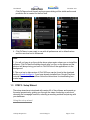
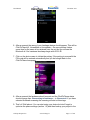
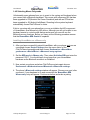
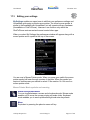
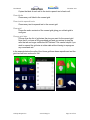
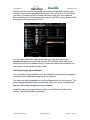
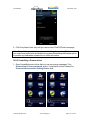
1. Within the ClickToPhone Status Reports preference page first check the
Enable SMS reporting option.
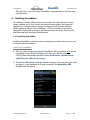
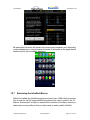
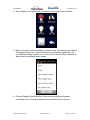
2. Then choose the telephone number to send the report to and an optional
message to be included at the front of the report. “UserName=Brian” for
example.
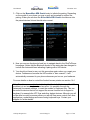
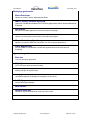
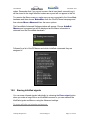
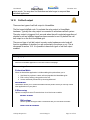
3. Finally specify the content of the report. Choose Reports and then check the
options you require.
©Unique Perspectives
www.click2go.ie
Page 143 of 168