1
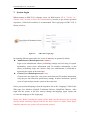
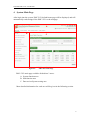
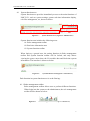
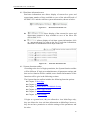
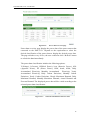
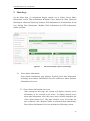
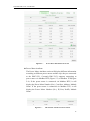
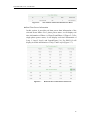
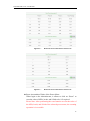
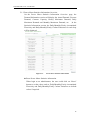
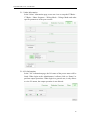
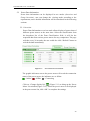
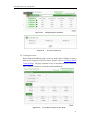
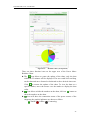
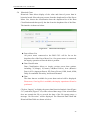
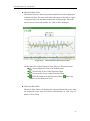
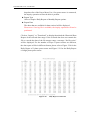
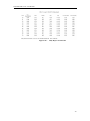
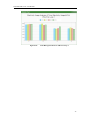
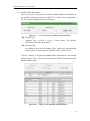
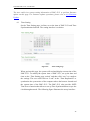
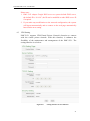
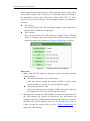
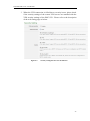
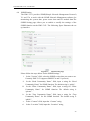
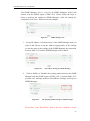
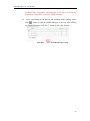
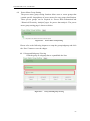
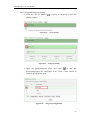
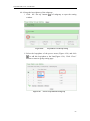
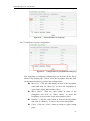
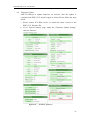
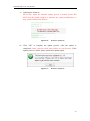
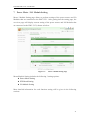
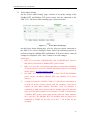
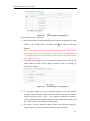
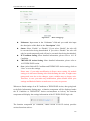
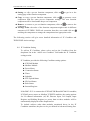
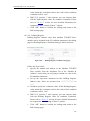
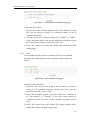
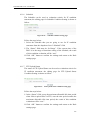
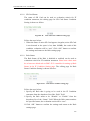
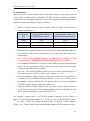
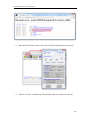
ICP DAS PMC-5151 User Manual “Connection Status” will reveal the connection status of the power meter, the graphic indicators are shown as follow: : Online : Offline : Connecting 5.3.2 Group Mode Select the option from the dropdown lists of the Group, Subgroup and the Data Classification field, and then click on “Inquiry” button, it will show the chart. Group The preset group lists will be shown on the dropdown list of the Group, if no group is pre-set, the inquiry operation will not be able to perform. Subgroup According to the selected Group option, the corresponding subgroups will be listed. If the selected Group contains no subgroup or the subgroup doesn’t setup any loop/phase of the power meter, the inquiry operation will not be able to perform. Data Classification Data Classification allows to inquire various power data options, including: V(Voltage), I(Current), kW(Real Power), kvar (Reactive Power), kVA (Apparent Power), PF (Power Factor), kWh, kvarh, kVAh, Daily Accumulated Electricity, and Actual Demand. Please refer to Figure 5-15 for an example of Realtime Chart for “Group Mode”. Each time the Realtime Chart displays only one power information classification. If a different power information classification is inquired, the previously displayed chart will be closed automatically. The user could choose desired power data classification to view the corresponding Realtime Chart. The chart refreshes every 5 seconds. 24