1
Digital BUS-WATCH® R1001 / R4001
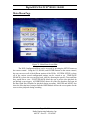
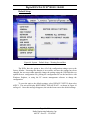
IO Input – Transit Bus
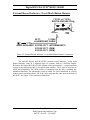
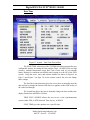
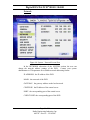
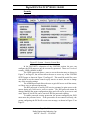
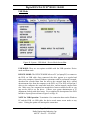
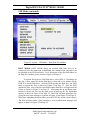
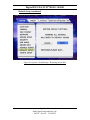
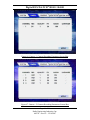
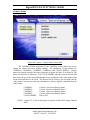
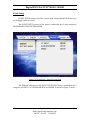
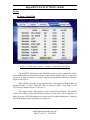
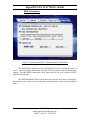
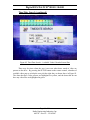
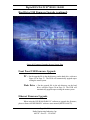
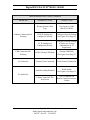
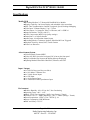
Figure 72: Event Setup – Sensor – IO Input – Transit Bus Screen Shot
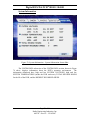
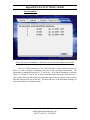
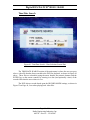
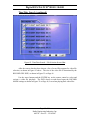
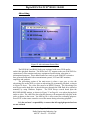
Each of the SCHOOL BUS, TRANSIT BUS, and CUSTOM screens has 4
settings: NAME, DISPLAY, SET, and ALARM.
NAME:
The name of the signal connected to the DVR. The names of the
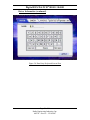
signals are entered using the data entry keyboard, as shown in
Figure 58 on Page 58, and are limited to 8 characters.
DISPLAY:
The characters that are displayed on the Installers Mode Page, as
shown in Figure 30 on Page 41. The display characters of the
signals are entered using the data entry keyboard, as shown in
Figure 58 on Page 58, and are limited to 2 characters.
SET:
Active HIGH, active LOW, or OFF for SENSORs 1-8,
N.O. (normally open circuit), N.C. (normally closed), or OFF for
SENSOR 9.
ALARM:
YES or NO
Page 71 of 96
Radio Engineering Industries, Inc.
640370 -- Rev B -- 12/14/2007