1
Gesa
CUSSohware Administrator and Operator Manual
issue 1revision0- 12/09/2001
e 71 of 91
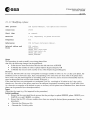
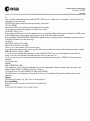
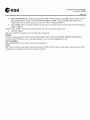
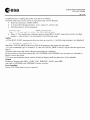
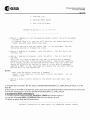
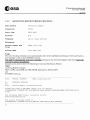
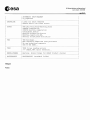
Your Choice (1-4):
->
Option 1 enables to delete the product(s) _ More than one product
may be deleted
since no processing date is asked to differentiate
multiple entries in the catalogue.
->
Option 2 enables to delete the product. The processing date is
asked before the deletion to individuate a single catalogue entry.
->
Option 3 enables not to delete the product and goes on for a next product.
->
Option 4 enables to exit from the tool without deleting the product.
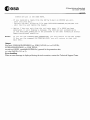
Notes: All the deletions done during a session are written in a Log File:
SYSDATA:DELETE_PRODUCTS_yymmddhhmmss.LOG
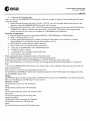
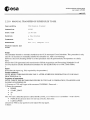
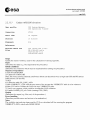
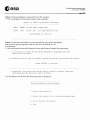
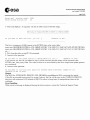
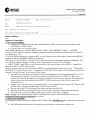
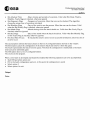
6- To delete another product, you can use the data previously entered and type in only the new one. In the
example below, another frame for the same PAF/SAT/Sensor/Orbit/Product type/Station is to be deleted.
Only the frame number need to be entered:
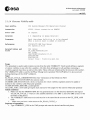
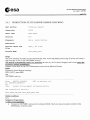
Deleting Poducts from Catalogue
Arch Locat
Satellite
Sensor
Orbit Numb
Frame Numb
Produ Type
Scene Quadrant
Gr Station
[DP]
(new
(new
[SAR]
(new
[12358] (new
[3609] (new
[SLC l (new
(new
[3 J
[TH]
(new
[El]
value
value
value
value
value
value
value
value
or
or
or
or
or
or
or
or
type
type
type
type
type
type
type
type
exit):
exit):
exit):
exit):
exit) : 3627
exit) :
exit) :
exit):
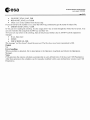
----------------------------------------------------------~--------Output
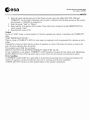
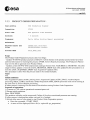
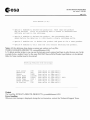
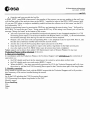
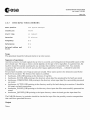
The Log File: SYSDATA:DELETE_PRODUCTS_yymmddhhmmss.LOG
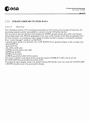
Error handling
When an error message is displayed during the tool execution, contact the Technical Support Team.