1
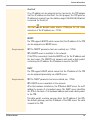
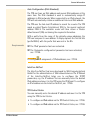
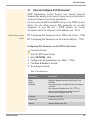
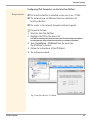
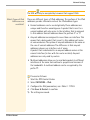
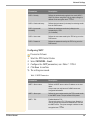
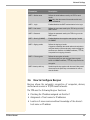
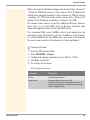
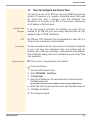
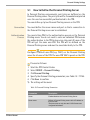
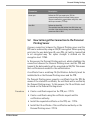
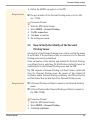
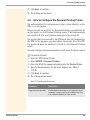
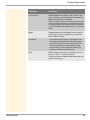
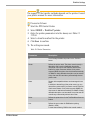
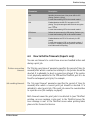
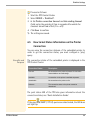
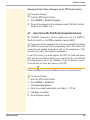
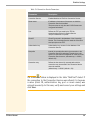
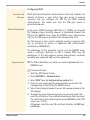
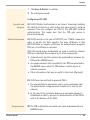
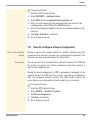
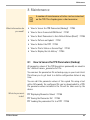
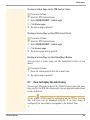
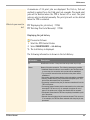
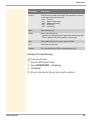
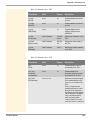
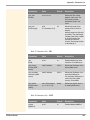
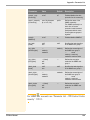
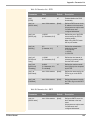
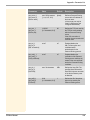
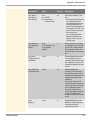
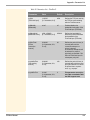
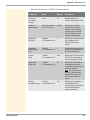
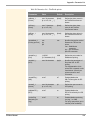
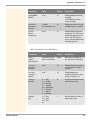
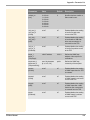
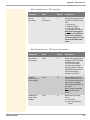
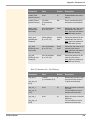
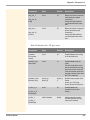
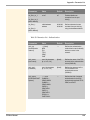
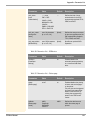
Device Settings 4.2 How to Configure the Communication between the TPR and the Printer Internal IP Network The TPR must be physically connected to the printer and the network. Both devices build an internal local network in which the TPR has a second, local IP address for the internal communication with the printer. The internal DHCP server of the TPR automatically configures the IP address of the printer and the related parameters. Masquerading (NAT) In order to connect the internal network to the external network, the address information is rewritten via masquerading. Masquerading is a type of NAT (Network Address Translation). This way, data packets are forwarded by the TPR to the printer. The TPR is integrated in a transparent way and the infrastructure as well as (possibly) existing output monitoring systems remain unaffected. You can adjust the settings of the internal network. 1. 2. 3. 4. Proceed as follows: Start the TPR Control Center. Select DEVICE - TPR-10. Configure the printer parameters; see: Table 9 39. Click Save to confirm. The settings are saved. Table 9: Printer Configuration TPR User Manual Parameters Description Local IP address Defines the IP address of the TPR for the internal communication. The TPR and printer constitute an internal IP network. The local IP address is the gateway to the printer IP address. The subnet mask is 255.255.255.240. Printer IP address Defines the IP address of the printer for the internal communication. The TPR and printer constitute an internal IP network. The printer IP address and related parameters are set by the internal DHCP server of the TPR. 39