1
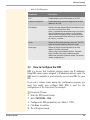
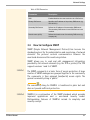
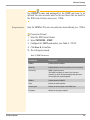
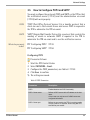
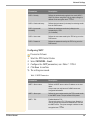
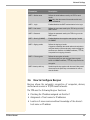
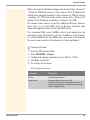
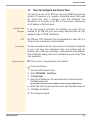
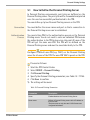
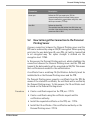
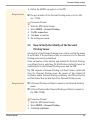
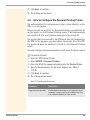
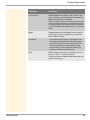
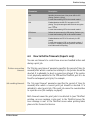
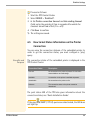
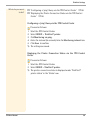
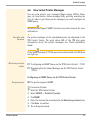
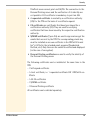
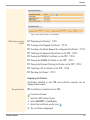
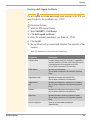
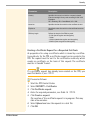
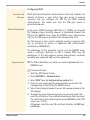
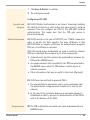
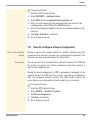
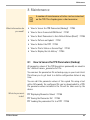
ThinPrint Settings 6.3 How to Embed the Printer Print jobs are sent from the ThinPrint server to the TPR. After the decompression of the print jobs, the TPR forwards the print jobs to the printers. The print jobs are assigned via the printer ID. A network printer can be integrated via the TPR. When integrating the connected network printer, you must define the printer parameters (name, class, driver) and a transfer method. Transfer Methods The data transfer between the TPR and the network printer can be done in three ways: • Usually the data is transferred to the TCP/IP port via a raw/socket connection. Port 9100 is preset on the TPR. If required, you can configure a different port number. • By means of IPP connections (Internet Printing Protocol) the print data is transmitted via HTTP 1.1 via local networks or the Internet to the printer. To this purpose, you must configure a printer URL that needs to be implemented according to the information of the manufacturer. Please refer to the documentation of your printer. The printer URL 'ipp/lp1' is preset and can be changed, if needed. Your advantage: The connection between the TPR and the printer can be encrypted via SSL/TLS. • Data transfer can also be done via the LPD protocol (Line Printer Daemon). During LPD printing the print data is sent to the IP address of the printer by means of an LPD queue. The LPD queue name 'lp1' is preset. If required, you can configure a different LPD queue name. Depending on the configuration, the printing behavior is either compliant to RFC1179 or resembles Microsoft LPD printing. Your advantage: When using the LPD protocol for data transfer, additional print job attributes will be transferred and displayed in the 'job history' (94). TPR User Manual 52