1
DN9231
User's Manual
4. Basic Setup
4.1. Network Setup
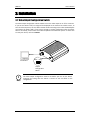
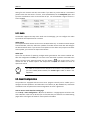
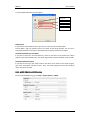
The default IP address of your IP device is 192.168.XXX.XXX. You can find the available IP
address from the MAC address of your device. Please make sure the device and your PC are on
the same network segment before the installation. If the network segment of your PC is
different from the device, change your PC’s IP setting as below.
IP address : 192.168.xxx.xxx
Subnet mask: 255.255.0.0
01A.03
Dante Security Inc.
15