1
DN9231
User's Manual
5.3. Audio Mode
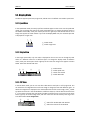
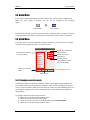
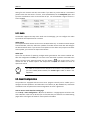
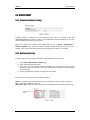
If you click the Enable Audio button from the shortcut icons, you can hear the output sound.
When the audio output is enabled, the icon will be changed as the following
figure.
Audio disabled
Audio enabled
To hear the output sound, make sure that the audio input/output cable is properly connected
with a microphone and speaker. To learn how to connect audio cables, refer to 3.2. Cabling.
5.4. Quick Menu
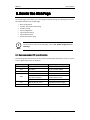
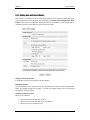
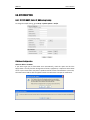
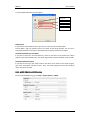
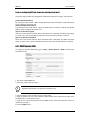
If you right-click on a view, the Quick Menu appears as below. This menu helps you to change
connection mode, reboot the device, or check its version.
Changes the view with the
selected monde
Check boxes for selecting
a connection mode
Displays the channel
configuarions
Saves the channel
configurations (Available
only in Preset Mode)
Displays the version of
device
Closes the quick menu
Reboots device
5.4.1. Changing connection mode
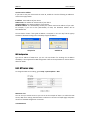
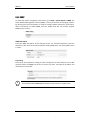
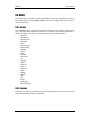
The decoder supports two different connection modes: Instant Mode and Preset Mode. The
instant mode enables you to immediately change the video channels and display them on the
screen. The preset mode is useful to save the channels you want to view and display them just
by clicking the configured preset view. The preset mode is supported with up to 8 different
configurations.
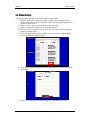
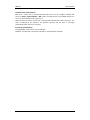
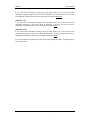
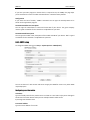
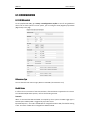
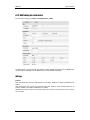
To configure desired channels on a preset mode,
1) Right-click on a view to display the quick menu.
2) Select the desired number of preset mode.
3) Select the encoders you want to display by referring to 4.3. Video Display.
4) Right-click on a view to display the quick menu.
01A.03
Dante Security Inc.
21