1
DN9231
User's Manual
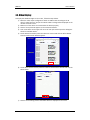
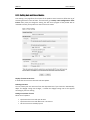
Use the static IP address
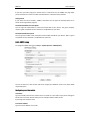
If you want to use your device with the static IP, enable the ‘Use the following IP addresses’
and click the Apply button.
IP address: The IP address of your device
Subnet mask: The address of subnet mask of your device.
Gateway address: The gateway address of your device.
Broadcast address: It is automatically fixed by the subnet mask and IP address of your own.
For example, if you use B class (255.255.0.0) of mask, the broadcast address will be
192.168.255.255.
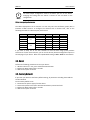
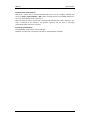
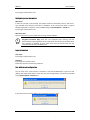
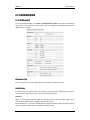
The test button shows if the typed IP address is occupied or not. You may find the popup
windows as below according to the availability of typed IP address.
Occupied IP
Available IP
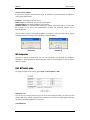
DNS Configuration
Type the IP address of DNS server you use. The test button for checking the IP address
availability is also supported for DNS configuration. Refer to the explanation for the test button
above for details.
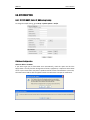
6.6.2. NTP server setup
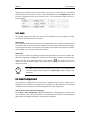
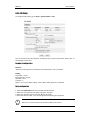
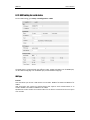
To change the NTP service setting, go to Setup > System Options > NTP.
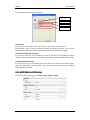
NTP Server Lists
You can set up to 4 NTP servers as you can see at the example of above. To enable the NTP
servers, DNS server setting should be done in advance in the menu of TCP/IP page and please
check out if the DNS configuration is accurate.
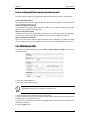
I am SNTP Server
01A.03
Dante Security Inc.
40