1
12
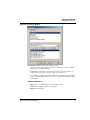
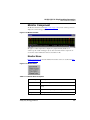
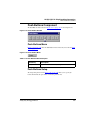
P&E Multilink/Cyclone Pro
Connection
Introduction
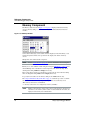
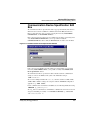
An advanced feature of the Freescale debugger for the embedded system development
world is the ability to load different connections (debugging targets). This document
introduces the P&E Multilink/Cyclone Pro Connection.
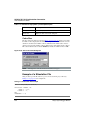
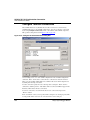
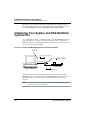
This connection (formerly ICD-12) is an interface developed by P&E Microcomputer
Systems. The Freescale debugger uses the Multilink/Cyclone Pro to communicate with an
external system (also called a connection).
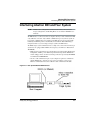
With this interface, you can download an executable program from the Freescale
debugging environment. The destination of this program is an external connection (target),
based on a Freescale MCU, that executes the program. The Freescale debugger receives
feedback of real target-system behavior.
The Freescale debugger fully supervises and monitors the connection (target-system)
MCU. That is, it controls the CPU execution. You can read and write in internal or
external memory when the MCU is in background mode. You have full control over the
CPU state. You can stop execution, proceed in single-step mode, and set breakpoints in
the code.
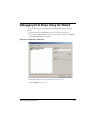
NOTE
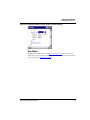
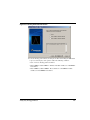
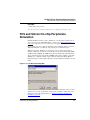
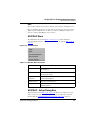
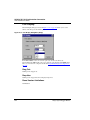
When creating a new ICD-12 debugging project, you must select the P&E
Multilink/Cyclone Pro connection in the stationery Wizard.
Windows NT Installation Notice
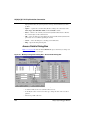
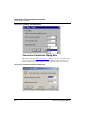
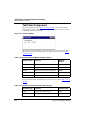
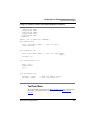
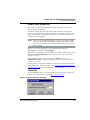
For access to the parallel port of a host computer running Windows NT, you must install a
special driver. To install this driver, first install the Freescale Development Kit on the
Host, then run the setup program. This program is in the directory: icd_dr.bat.
prog\drivers\Nt\ICD. Freescale installation on the host computer includes
installation of this directory.
HC(S)12(X) Debugger Manual
405