1
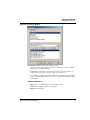
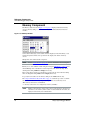
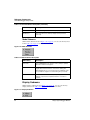
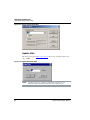
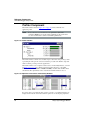
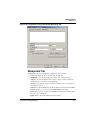
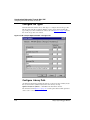
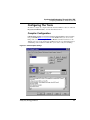
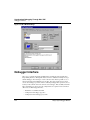
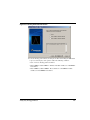
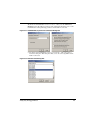
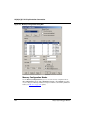
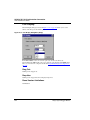
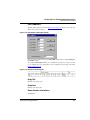
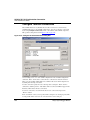
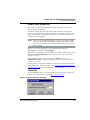
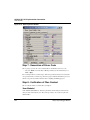
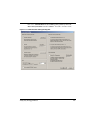
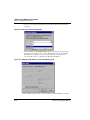
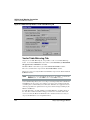
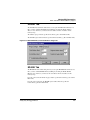
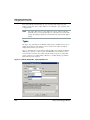
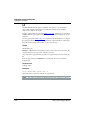
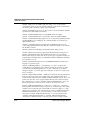
The second checkbox of the Configuration group is Save and restore workspace
content. If this checkbox is clear, Flash programming applications overwrite any data in
RAM. To save the current RAM data, check this box. (Saving RAM data slows down the
NVMC; checking this checkbox is equivalent to entering the SAVECONTEXT and
LOADCONTEXT commands.)
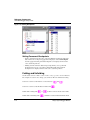
Flash Module Handling
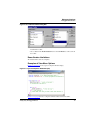
Flash parameter files (which have the extension .FPP) contain MCU-specific
parameters, as well as programs to handle internal flash modules. (The FPP Files section
includes additional information about .FPP files.) The .FPP files also include codeapplet descriptions of flash operations; later text of this manual includes these
descriptions.
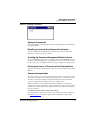
You also may use the Command Line component to handle flash operations. The NVMC
Commands section explains the corresponding commands.
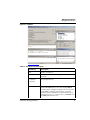
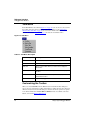
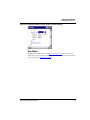
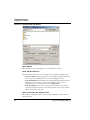
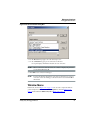
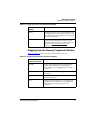
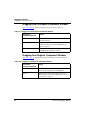
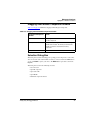
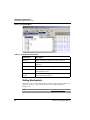
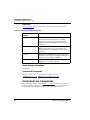
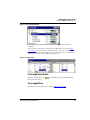
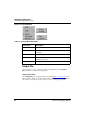
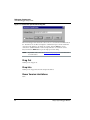
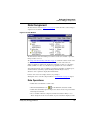
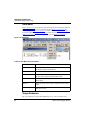
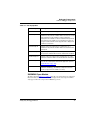
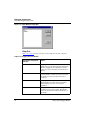
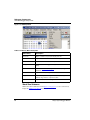
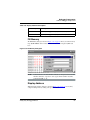
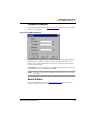
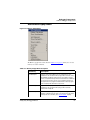
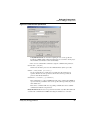
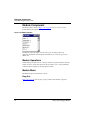
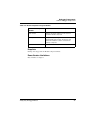
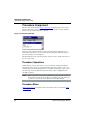
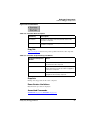
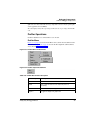
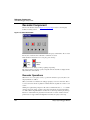
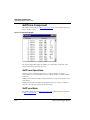
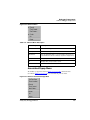
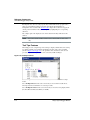
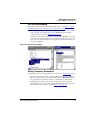
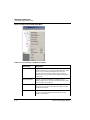
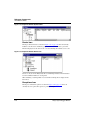
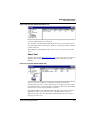
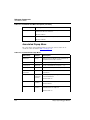
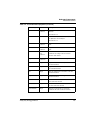
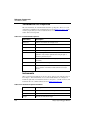
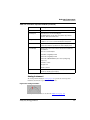
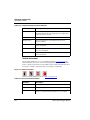
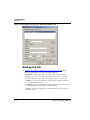
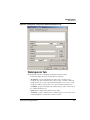
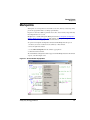
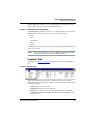
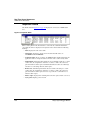
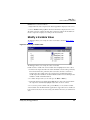
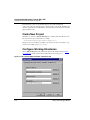
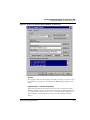
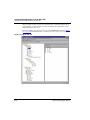
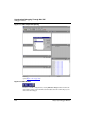
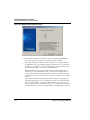
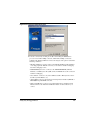
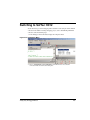
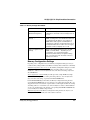
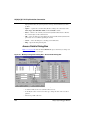
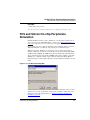
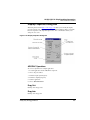
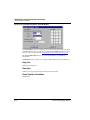
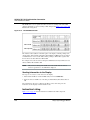
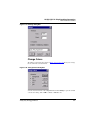
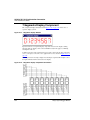
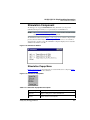
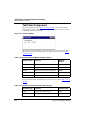
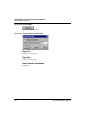
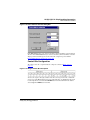
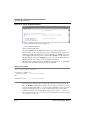
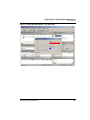
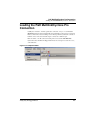
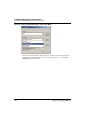
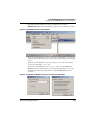
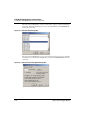
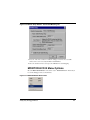
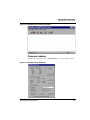
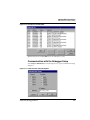
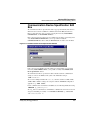
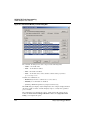
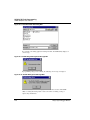
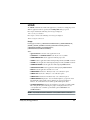
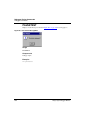
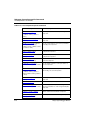
The NVMC dialog box has buttons for commands you can apply to each block. These
buttons are dynamic: active if the operation is possible for at least one selected item,
disabled if the operation is not possible.
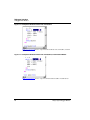
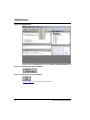
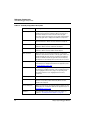
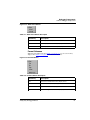
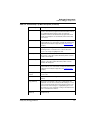
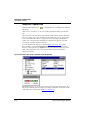
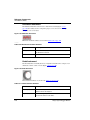
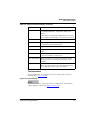
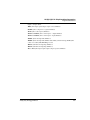
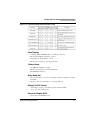
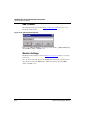
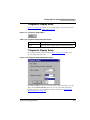
• Select All/Unselect All — The Select All... button selects all modules in the list
box. When the button got pressed, the button changes to “Unselect All”, that can be
pressed to remove all current selections.
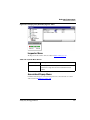
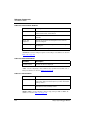
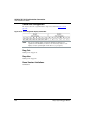
• Enable/Disable — The Enable button enables all selected modules currently
disabled. The Disable button disables all selected modules currently enabled. (The
possibility of enabling or disabling a flash module depends on the MCU features and
context.)
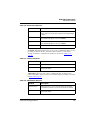
• Protect/Unprotect — The Protect button protects all selected modules currently
unprotected. The Unprotect button unprotects all selected modules currently
protected. (The possibility of protecting or unprotecting a flash module depends on
the MCU features and context.)
NOTE
For some MCUs, protection is possible only for the Boot section and boot
routines, not for the entire module. Please see Hardware Considerations on
page 478 for protection information about your CPU derivative.
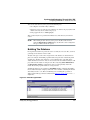
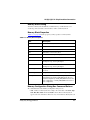
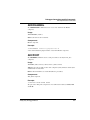
• Erase — The Erase button removes any programming from all selected Flash
modules. (That is, it assigns the value 0xFF or 0x00 to each byte.) Erasure changes
the module status to Blank. If all the selected modules already are blank, the Erase
button is disabled.
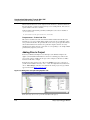
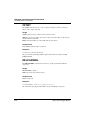
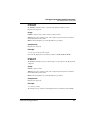
• Load — The Load.. button arms all selected modules, executes a LOAD command,
then disarms the modules. If you click the Load.. button without selecting any flash
modules, the NVMC utility selects and loads all the modules.
HC(S)12(X) Debugger Manual
473