1
Backup Copy
x
x
x
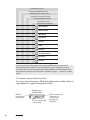
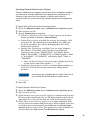
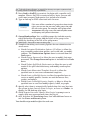
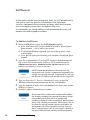
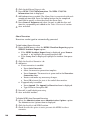
If the state contacts your department for a transaction file
you have already sent, you can resend the file in the export
folder (default is C:\Program Files\FIREHOUSE
Software\NFIRS) rather than recreating the file.
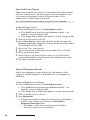
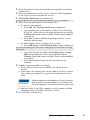
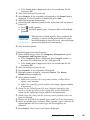
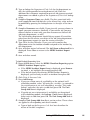
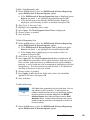
x Check Wipe disk before saving if you want to remove files from
the specified directory before exporting.
x Check Write protect all output files when done if you want to
make the transaction files write-protected.
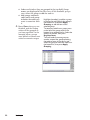
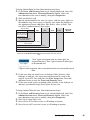
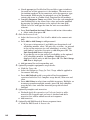
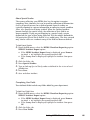
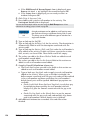
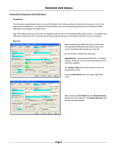
Press Next>. The NFIRS 5.0 Export Wizard form Completion
section is displayed.
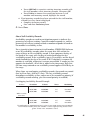
The file(s) are always created in the program directory (default is
C:\Program Files\FIREHOUSE Software\) NFIRS
subdirectory. You can specify additional file actions:
x Select No, just leave the file on the hard drive to manually copy
the files if needed.
x Select Yes, copy the file(s) to the removable disk in drive to send
a copy of the file to the selected available disk drive. Insert
media into the selected drive now.
x Optionally check Wipe disk to remove files from the selected
diskette.
x Select Yes, transmit the file(s) to an internet site via FTP to send
the file(s) to a site.
x Check Yes, attach the file(s) to and send an e-mail message to
send the file(s) via email.
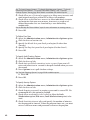
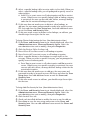
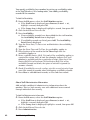
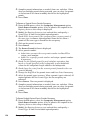
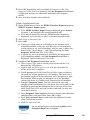
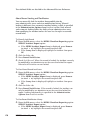
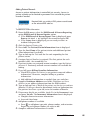
Press Next>. If you are FTPing or emailing the file(s), define the
FTP or email information then press Next>. The NFIRS 5.0 Export
Wizard form Finish section is displayed.
See the FH Help File ‘Export to State Procedure; topic for information on specifying
FTP or email information.
x
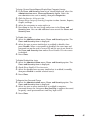
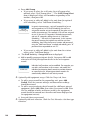
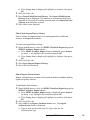
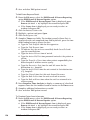
Review the description of the process. Press <Back at any time to
make changes. Press Finish to create the transaction file.
You have created the NFIRS transaction files.
About EMS Transaction Files
Some states and collection agencies receive transaction files generated
via the Administration menu Database Administration option
Custom Data Export option. We recommend that you verify the
expected format for EMS transaction files before performing the steps
below.
Exporting Transaction Files to State
223