1
x
x
x
x
142
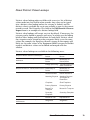
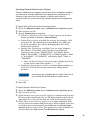
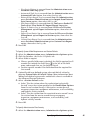
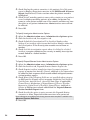
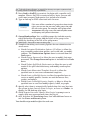
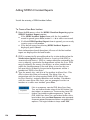
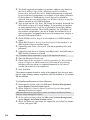
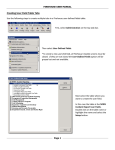
x Check appropriate Fire/Medical/Rescue/Other types to indicate
the main use of this apparatus at the incident. The main use at
the incident need not be the consistent with the apparatus type.
For example, EMS may be the principal use of the members
arriving on-scene in a ladder truck. Required for all incidents.
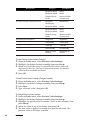
x Complete Response Times area fields. Dates for each completed
time field default to the Alarm Date value and can be modified
by pressing the lookup button to the right of the time field.
Check Cancelled and type the time the unit was cancelled if
relevant.
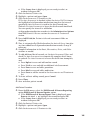
x Press Unit Incident Actions Taken to add action taken codes.
x Select codes then press OK.
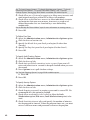
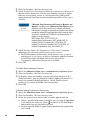
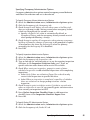
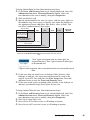
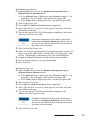
Click the Personnel tab.
x Select the Personnel for Unit. Staff is added to the current unit
only.
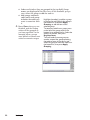
x Press Add or Add Group to add personnel.
x If you use station roster & availability or the optional staff
scheduling module, select “All units for <station> (as entered
in the station roster or via staff scheduling), or select “Unit
code lookup” and select the units to add then press OK. The
Unit Group Add form is displayed.
x If you do not use station roster & availability or the optional
staff scheduling module, the Lookup - Units form is
displayed. Select units to add then press OK. The Unit Group
Add form is displayed.
x Add personnel for each responding unit.
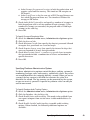
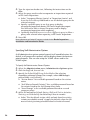
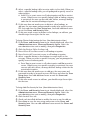
Optionally complete equipment usage details:
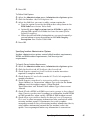
x Click the Usage tab.
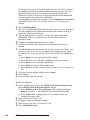
x Select the Equipment Usage for Unit. Usage added is applied to
the current unit only.
x Press Add Linked to add a usage detail for the equipment
associated with the Unit. Complete usage details, then save and
close.
x Press Add Other to select from available inventory. Highlight an
inventory record or multiple records, press OK, then complete
usage details. Save and close inventory usage detail when
finished.
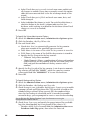
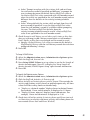
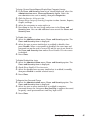
Optionally complete unit narrative:
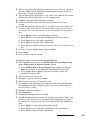
x Uncheck Apply this narrative to all selected units to add a
narrative for a specific unit, or leave it checked and add a
narrative that will be added to each unit response.
x Add narrative.
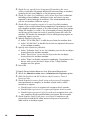
Optionally add EMS Search & Rescue response times:
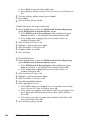
x Click the EMS Search & Rescue tab.
NFIRS Incident Reporting