1
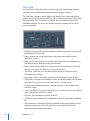
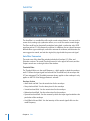
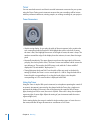
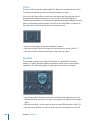
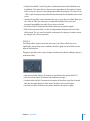
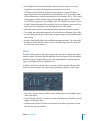
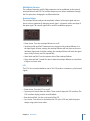
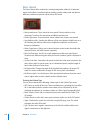
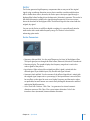
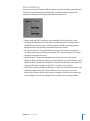
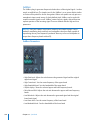
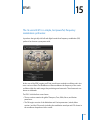
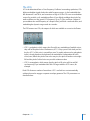
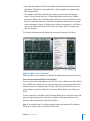
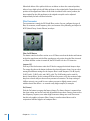
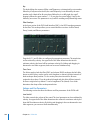
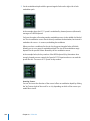
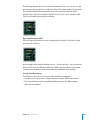
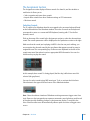
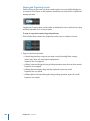
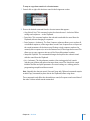
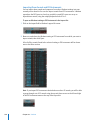
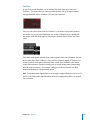
Slow and Fast Pulse Width Modulations With Oscillator 2 Pulse Width Modulation (PWM) is one of the most essential features of any sophisticated analog synthesizer. Â Choose the PWM Start setting, and move the Wave control slowly back and forth between the rectangular and the pulse wave symbols. Both are green. What you will hear is a (manual) pulse width modulation. Â Choose the PWM Slow setting. Here, LFO 1 controls the pulse width modulation source, not your manual movements. The result should be quite similar. Â Raise the LFO 1 rate from its pre-set value of 0.230 to 4.400. The result is a classic, fast PWM. Â In this, and the next step, the PWM will be set so that it sounds slower in the lower keyboard range, and faster in the upper range. This is desirable for many sounds, such as synthetic strings. First, reduce the LFO 1 Rate to 3,800. Â Change the modulation intensity of the second Router channel (target = LFO1 Rate, Source = Kybd) to 0.46. This will alter the scaling of the PWM, making it sound faster in the treble range. You can also hear this type of effect in the PWM Scaled setting. ∏ Tip: Avoid Drive and Distortion with PWM sounds. Pulse Width Modulation With Two Oscillators, PWM Strings In order to make the sound fatter, add Oscillator 3, which can also be pulse width modulated. In fact, even the first oscillator can deliver PWM. In the PWM 2 Osc setting, both oscillators are detuned quite significantly. Develop your own personalized PWM string sound, using this setting as your base. Â Adjust the Chorus intensity. You’ll probably choose higher values, which make the sound rather broad. Â Program Envelope 3 according to your taste. You should, at the very least, raise the attack and release times. Define it to react to velocity, if you prefer. If you want to use the sound for something other than a simple pad, a shorter Decay Time and a lower Sustain Level of about 80 to 90% may be more appropriate. Â Reduce the Cutoff Frequency and Resonance of Filter 1 to make the sound softer. Â Save the new setting. Â Compare the result with the PWM 2 Osc setting. You’ll hear that the sound has undergone a remarkable evolution. Â Compare it to PWM Soft Strings, which was created as described above. You’ll probably notice a few similarities. Chapter 20 ES2 261