1
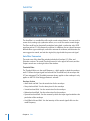
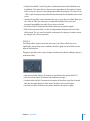
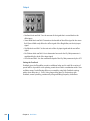
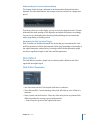
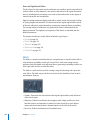
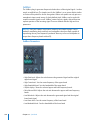
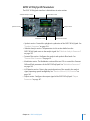
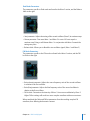
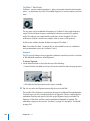
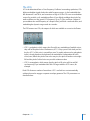
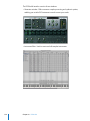
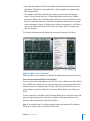
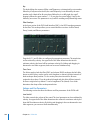
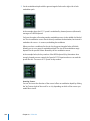
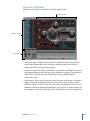
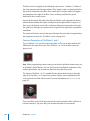
To edit the velocity range of a zone or group:
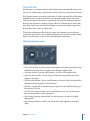
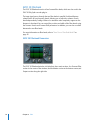
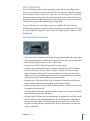
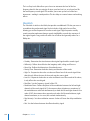
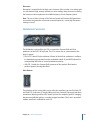
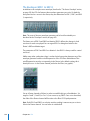
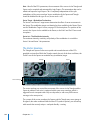
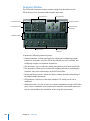
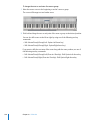
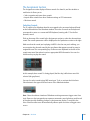
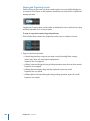
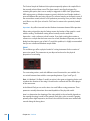
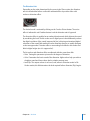
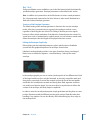
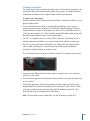
1 Click the Show Velocity button at the top right of the Instrument Editor (or use the
Show/Hide Velocity key command).
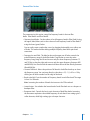
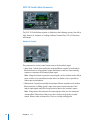
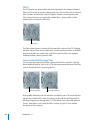
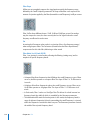
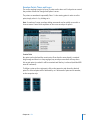
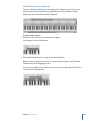
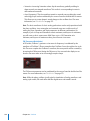
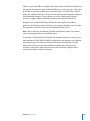
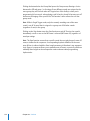
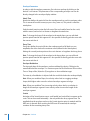
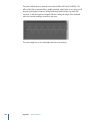
The Velocity Display area will open above the Zones or Views Display area.
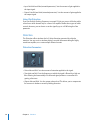
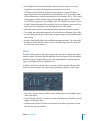
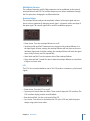
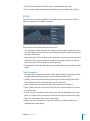
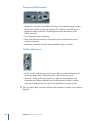
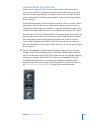
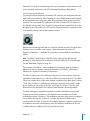
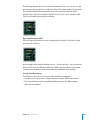
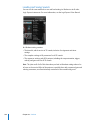
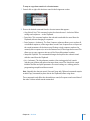
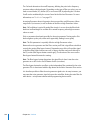
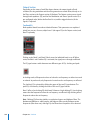
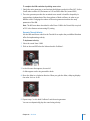
2 Click on one or more zones or groups in the Display area.
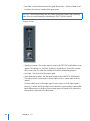
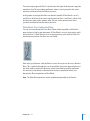
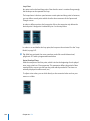
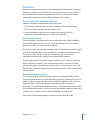
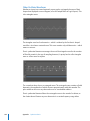
The velocity bars of the selected zones will be highlighted in the Velocity Display area.
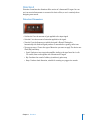
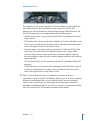
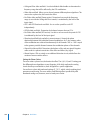
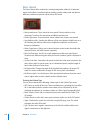
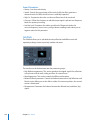
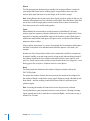
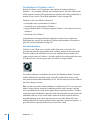
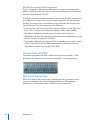
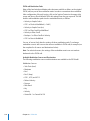
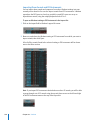
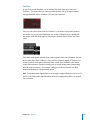
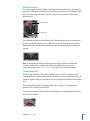
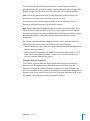
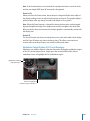
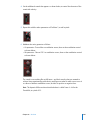
3 Click-hold on either the High or Low value of the velocity bar of the zone or group you
wish to edit.
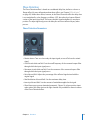
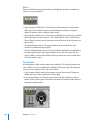
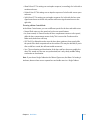
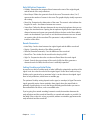
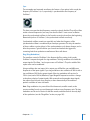
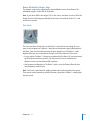
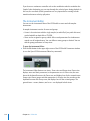
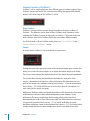
4 Drag the parameter up to raise the value or down to lower the value.
Chapter 21 EXS24 mkII
331