1
The Assignment Section
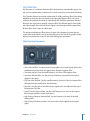
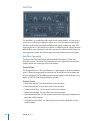
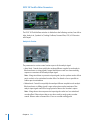
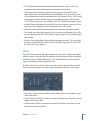
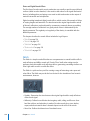
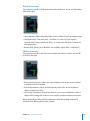
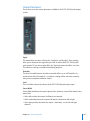
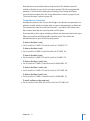
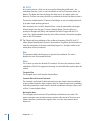
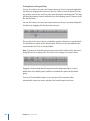
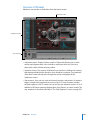
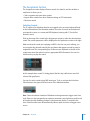
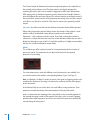
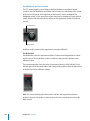
The Assignment section displays all drum sounds of a drum kit, and also includes a
small mixer. It allows you to:
 Select, organize, and name drum sounds
 Import drum sounds from other Ultrabeat settings or EXS instruments
 Mix drum sounds
Selecting Sounds
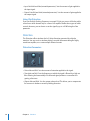
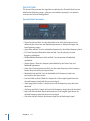
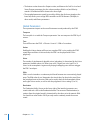
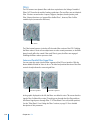
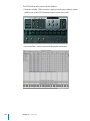
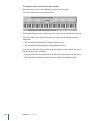
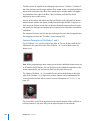
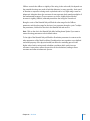
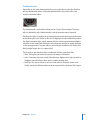
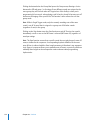
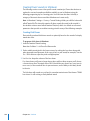
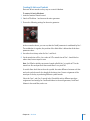
The 25 sounds of an Ultrabeat drum kit are mapped to the onscreen keyboard found
on the left hand side of the Ultrabeat window. The order of sounds on the keyboard
corresponds to notes on a connected MIDI keyboard, starting with C1 for the first
(bottom) sound.
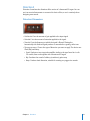
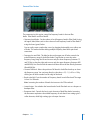
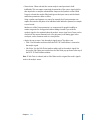
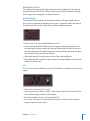
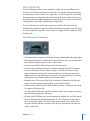
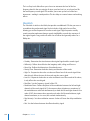
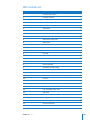
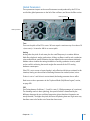
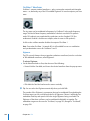
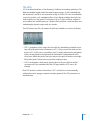
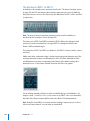
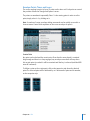
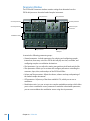
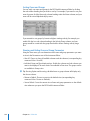
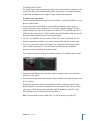
Click on the name of the sound in the Assignment section to select the relevant drum
sound. The sound’s parameters will be displayed in the Synthesizer section to the right.
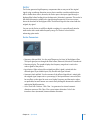
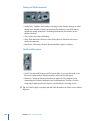
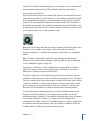
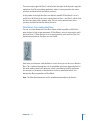
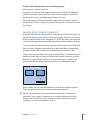
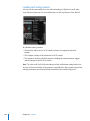
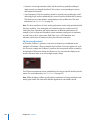
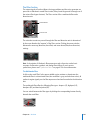
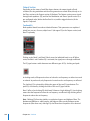
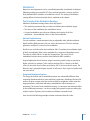
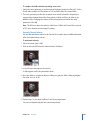
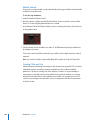
Make sure that the sound you’re playing via MIDI is also the one you’re editing: you
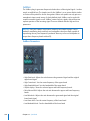
can recognize the selected sound by the gray frame that appears around its name in
assignment area. The corresponding key on the onscreen keyboard to the left of the
sound name turns blue when it receives appropriate MIDI information. You can also
click these keys to play the sound.
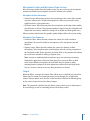
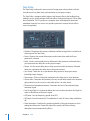
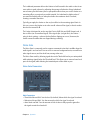
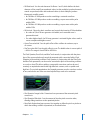
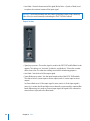
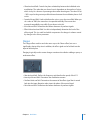
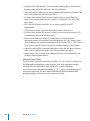
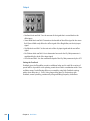
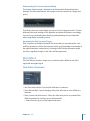
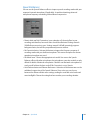
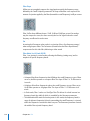
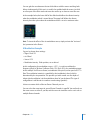
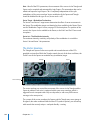
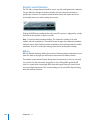
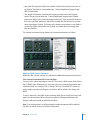
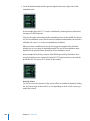
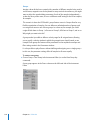
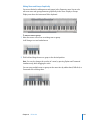
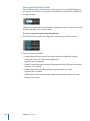
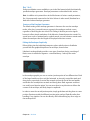
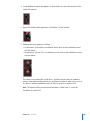
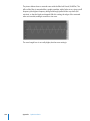
In this example, drum sound 2 is being played (the blue key) while drum sound 4 is
selected (the gray frame).
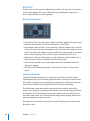
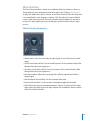
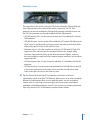
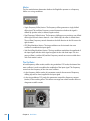
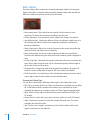
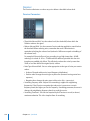
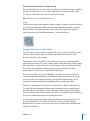
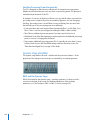
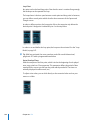
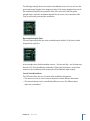
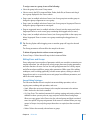
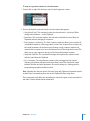
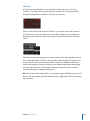
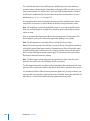
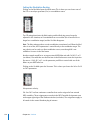
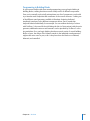
You can also select sounds using MIDI note input. To do so, activate the Voice Auto
Select button in the upper left hand corner of the Ultrabeat window.
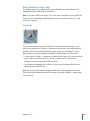
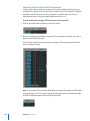
Note: Given the obvious situation of Ultrabeat receiving numerous trigger notes from
Logic Express or the integrated step sequencer, automatic sound selection would result
in constant, visually disturbing changes to the parameter display. To avoid this, the
Voice Select function turns off automatically when a rapid succession of trigger notes
occurs.
Chapter 24 Ultrabeat
347