1
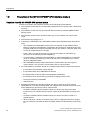
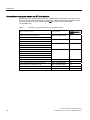
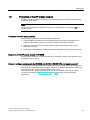
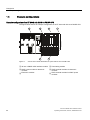
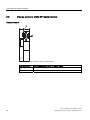
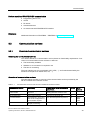
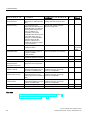
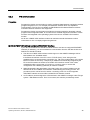
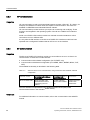
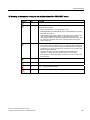
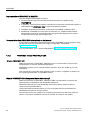
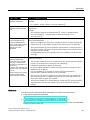
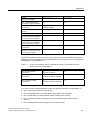
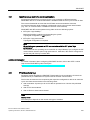
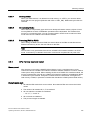
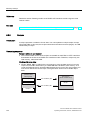
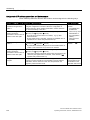
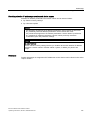
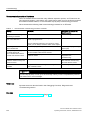
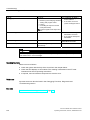
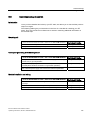
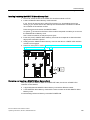
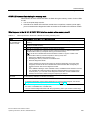
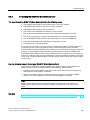
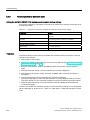
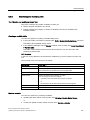
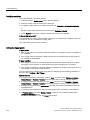
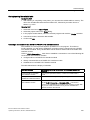
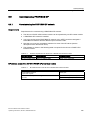
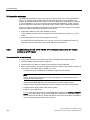
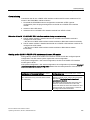
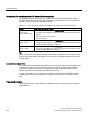
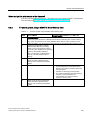
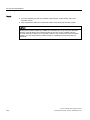
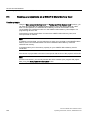
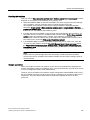
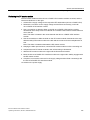
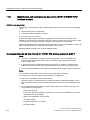
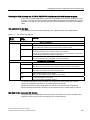
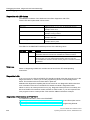
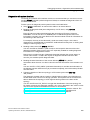
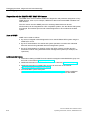
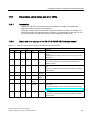
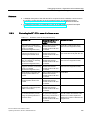
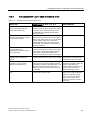
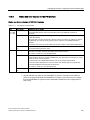
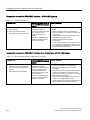
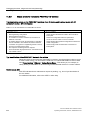
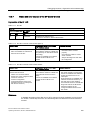
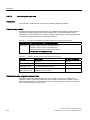
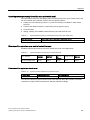
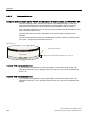
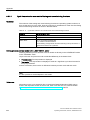
Service and maintenance 9.3 Updating the firmware Backing up the firmware on your IM 151-8 PN/DP CPU interface module to the SIMATIC Micro Memory Card Table 9- 1 Backing up the firmware to the SIMATIC micro memory card Step Action required: This takes place in the IM 151-8 PN/DP CPU interface module: 1. Insert the new SIMATIC Micro Memory The IM 151-8 PN/DP CPU requests a memory Card in the IM 151-8 PN/DP CPU interface reset. module. 2. Turn the mode selector switch to MRES position and hold it there. 3. Switch supply voltage off and then on ... the STOP, RUN and FRCE LEDs start again and hold the mode selector switch in flashing. the MRES position until ... 4. Mode selector switch to STOP. - 5. Mode selector switch briefly to MRES position, then let it return to STOP. - 6. Remove the SIMATIC Micro Memory Card with the backed up firmware. The IM 151-8 PN/DP CPU interface module starts to back up the firmware on the SIMATIC Micro Memory Card. All LEDs are lit during the backup operation. The STOP LED flashes when the backup is complete, to indicate that the IM 151-8 PN/DP CPU interface module requires a memory reset. - 9.3 Updating the firmware 9.3.1 When should you update the IM 151-8 PN/DP CPU interface module? After (compatible) functional expansions, or after an enhancement of operating system performance, the firmware of the IM 151-8 PN/DP CPU interface module should be upgraded (updated) to the latest version. Update of an IM 151-8 PN/DP CPU The IM151-8 PN/DP CPU with the order number 6ES7151-8AB00-0AB0 cannot currently be upgraded to a firmware version >= V3.2. An IM151-8 PN/DP CPU with the order number 6ES7151-8AB01-0AB0 can be configured as IM151-6ES7151-8AB00-0AB0 using STEP 7 V5.4. The new functionalities of the IM151-8 PN/DP CPU V3.2 are, however, not available. 182 IM 151-8 PN/DP CPU interface module Operating Instructions, 06/2010, A5E02049034-02