1
Commissioning
8.4 Commissioning the modules
Reference
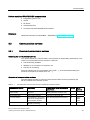
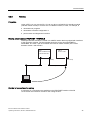
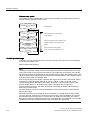
● Other methods of assigning the IP address can be found in the section Assignment of the
IP address parameters and device name (Page 139).
● Information on PROFINET can be found in the PROFINET
(http://support.automation.siemens.com/WW/view/en/19292127) System Description.
● For information on passive network components such as switches, refer to the SIMATIC
NET manual: Twisted Pair and Fiber-Optic Networks
(http://support.automation.siemens.com/WW/view/en/8763736).
See also
Configuring and commissioning the PROFINET IO system (Page 173)
8.4.7
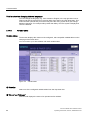
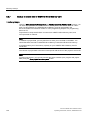
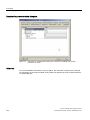
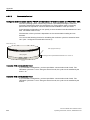
Starting SIMATIC Manager
Introduction
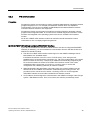
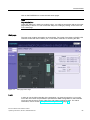
SIMATIC Manager is a GUI for online/offline editing of S7 objects (projects, user programs,
blocks, hardware stations and tools).
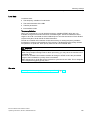
The SIMATIC Manager lets you
● Manage projects and libraries,
● Call STEP 7 tools,
● Access the PLC (AS) online,
● Editing SIMATIC Micro Memory Cards.
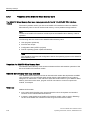
Starting SIMATIC Manager
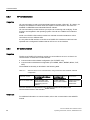
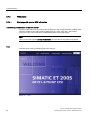
After installation, the SIMATIC Manager icon appears on the Windows desktop, and the Start
menu contains entry SIMATIC Manager under SIMATIC.
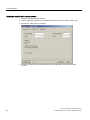
1. Run SIMATIC Manager by double-clicking the icon, or from the Start menu (same as with
all other Windows applications).
User interface
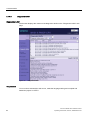
A corresponding editing tool is started up when you open the relevant objects. You start the
program editor by double-clicking the program block you want to edit (object-oriented start).
Online Help
The online help for the active window is always called by pressing F1.
160
IM 151-8 PN/DP CPU interface module
Operating Instructions, 06/2010, A5E02049034-02