1
Communication
3.7 Web server
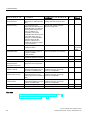
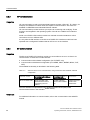
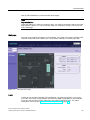
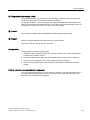
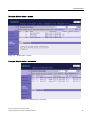
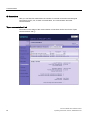
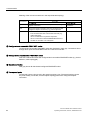
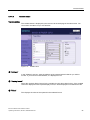
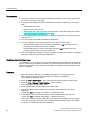
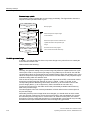
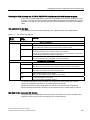
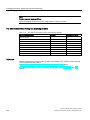
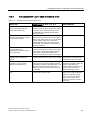
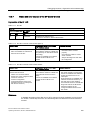
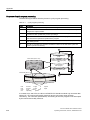
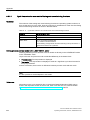
④ "IP address"
If a link is available here, clicking on it will take you to the web server of the selected
configured device.
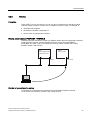
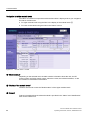
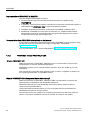
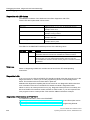
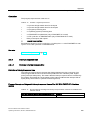
⑤ "Topology"
The two web pages, "Topology" and "Module status", are linked. When you click on the
"Topology" of the selected module, you automatically jump to this module in the graphic view
of the setpoint topology on the "Topology" web page. The module appears in the visible area
of the "Topology" web page and the device head of the selected module flashes for a few
seconds.
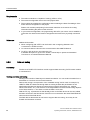
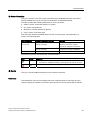
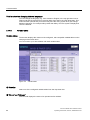
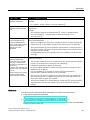
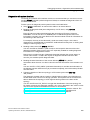
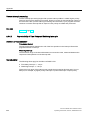
⑥ "Filter"
You can search in the table by selecting specific criteria:
1. Select a parameter from the drop-down list box.
2. If applicable, enter the value of the selected parameter.
3. Click on "Filter".
The filter criteria are also retained when you update a page.
To deactivate the filter settings, click "Filter" again.
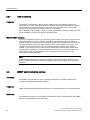
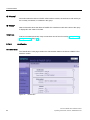
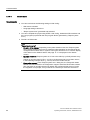
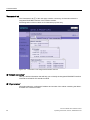
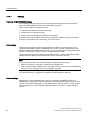
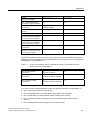
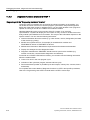
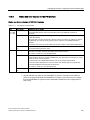
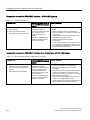
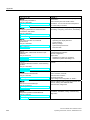
⑦ "Status" tab
The tab contains information about the status of the selected module when a fault or
message exists.
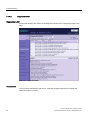
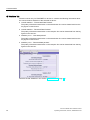
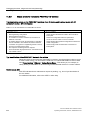
⑧ "Identification" tab
The tab contains data on the identification of the selected module.
Note
This tab displays only data configured offline, no online data of modules.
IM 151-8 PN/DP CPU interface module
Operating Instructions, 06/2010, A5E02049034-02
69