1
Specifying the Input Device for PEX
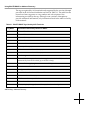
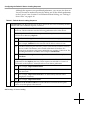
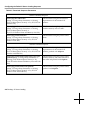
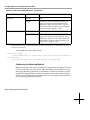
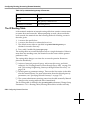
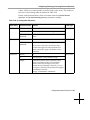
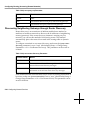
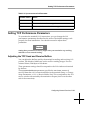
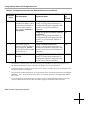
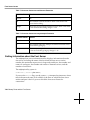
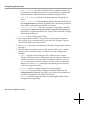
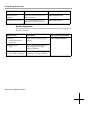
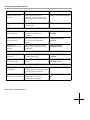
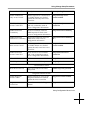
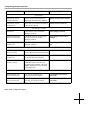
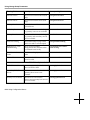
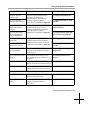
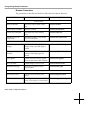
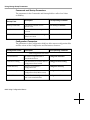
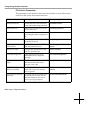
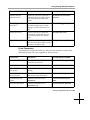
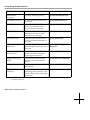
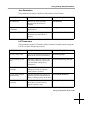
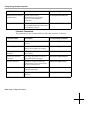
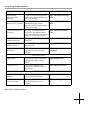
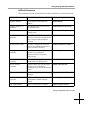
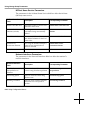
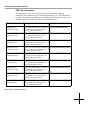
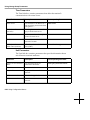
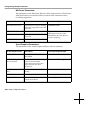
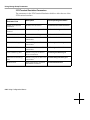
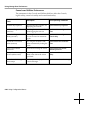
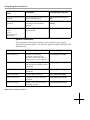
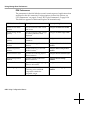
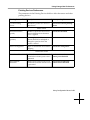
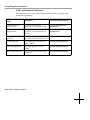
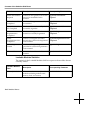
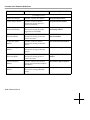
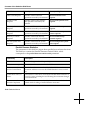
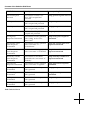
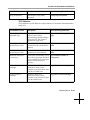
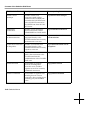
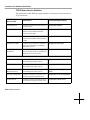
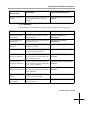
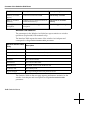
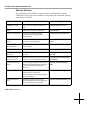
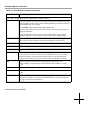
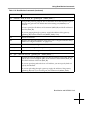
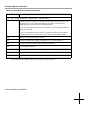
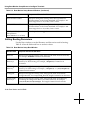
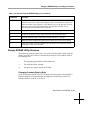
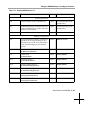
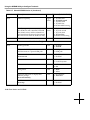
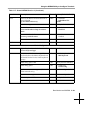
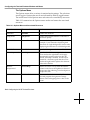
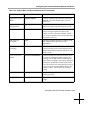
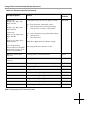
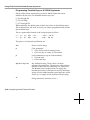
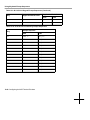
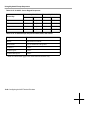
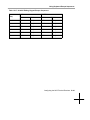
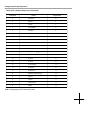
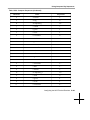
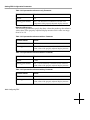
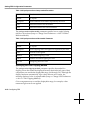
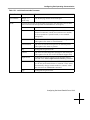
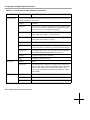
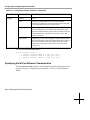
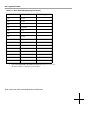
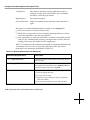
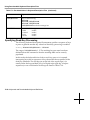
Table 14-24 pref-pex-color-clipping-method Parameter
Possible Values
Result
default
none
none
The RGB components are not corrected.
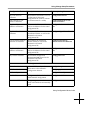
scale
The RGB components are scaled proportionately if any
components exceed 1.0. For example, if the red component has
a value of 1.2, it is scaled to 1 and the green and blue
components are scaled by the same percentage. Hue and
saturation are maintained, while intensity is clipped.
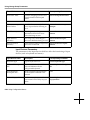
desaturate
The color saturation (contrast) of the RGB components is
clipped, while the hue and intensity are maintained.
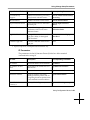
clamp
The RGB components are set to 0 if they are less than 0.0 or to
1.0 if they are greater than 1.0. Clamping can potentially alter
hue, saturation, and intensity.
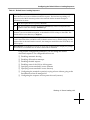
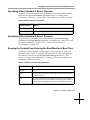
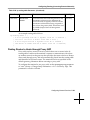
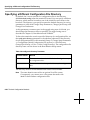
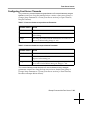
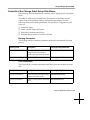
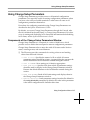
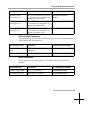
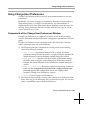
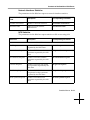
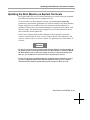
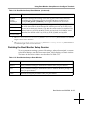
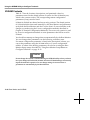
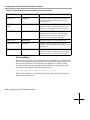
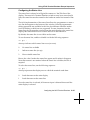
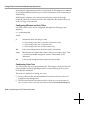
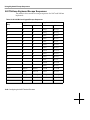
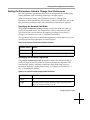
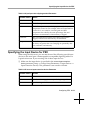
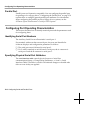
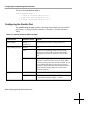
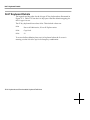
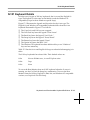
Specifying the Input Device for PEX
When using the PEX server, you can attach one of the following special input
devices to the serial port: a Summagraphics-compatible digitizing tablet or a
Logitech 3D mouse. If you are using one of these input devices:
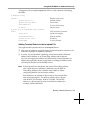
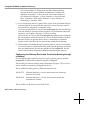
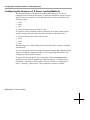
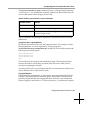
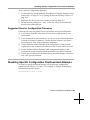
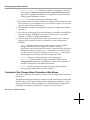
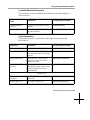
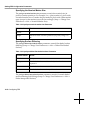
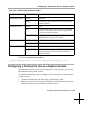
❏ Make sure the input device is specified in the xserver-input-extensiondevice parameter (Setup ⇒ Change Setup Parameters ⇒ Input Devices ⇒
Input Extension Device). This parameter is not saved in NVRAM.
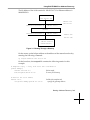
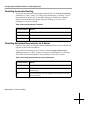
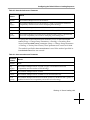
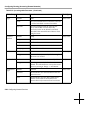
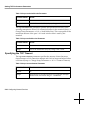
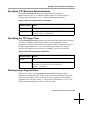
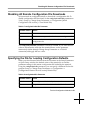
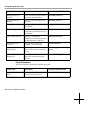
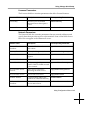
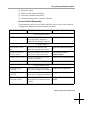
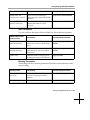
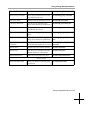
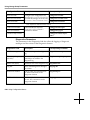
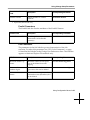
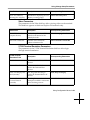
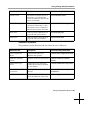
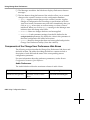
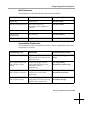
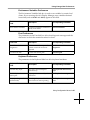
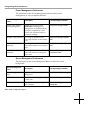
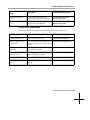
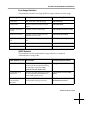
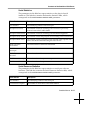
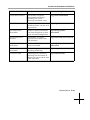
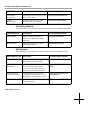
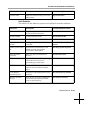
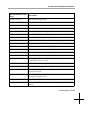
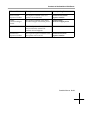
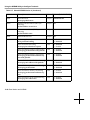
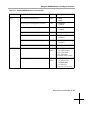
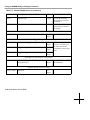
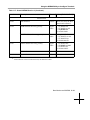
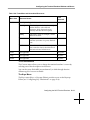
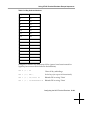
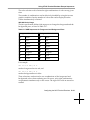
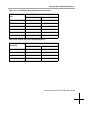
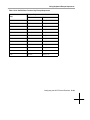
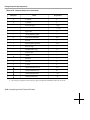
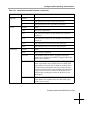
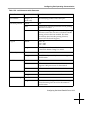
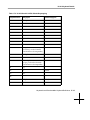
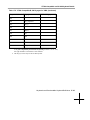
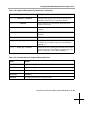
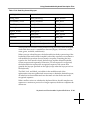
Table 14-25 xserver-input-extension-device Parameter
Possible Values
Results
default
tablet
tablet
Specifies a Summagraphics-compatible digitizing tablet.
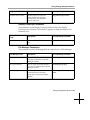
3d-mouse
Specifies a Logitech 3D mouse.
Configuring PEX 14-13