1
The Configuration Language
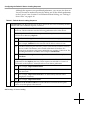
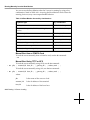
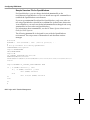
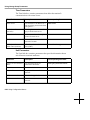
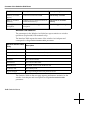
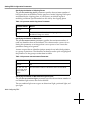
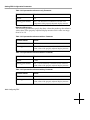
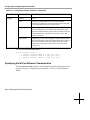
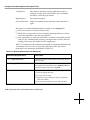
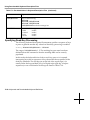
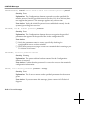
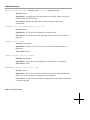
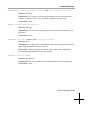
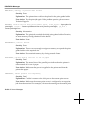
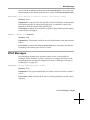
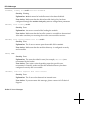
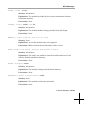
boot-automatically=true
boot-automatically
boot-automatically \
= \
true
=
true
As the last example shows, an assignment statement may span several
lines.
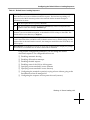
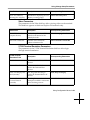
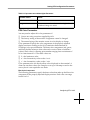
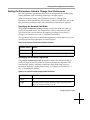
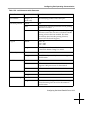
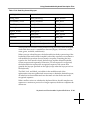
❏ Special characters—You can use the C-language convention of a backslash
(\) for escaping special characters.
Comments
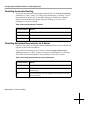
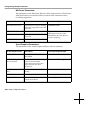
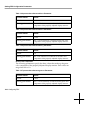
You can include a comment in a remote configuration file by typing a pound
sign (#) at the beginning of each line of comments. For example, to explain
why a parameter was set to a specific value, you might type:
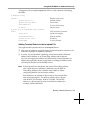
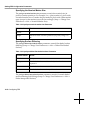
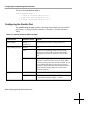
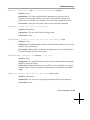
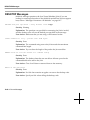
#Set to local to ensure that terminal
#boots from PCMCIA card instead of network host
boot-desired-source = local
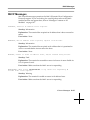
Comments can also be appended to a line. For example:
boot-desired-source = local
Note
#Boot from PCMCIA
Do not append comments to a line in statements that extend for
more than one line.
Assigning Parameters More than Once
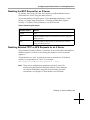
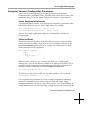
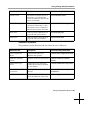
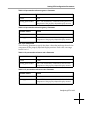
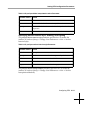
A parameter can be assigned any number of times. Each assignment is
processed as it is read, overriding the previous assignment.
The only exception to this rule is the unit-license-key parameter, which must
be assigned for each license key when using node licensing. For more
information about licensing, see the System Administrator’s Guide.
Listing Commands in Order
Assignment commands are interpreted in the order in which they appear. This
affects assignments that depend upon the prior execution of other statements
and parameters assigned more than once.
6-14 Terminal Configuration Methods