1
Mahara documentation, Release 1.4
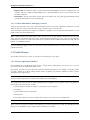
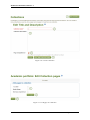
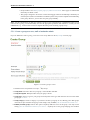
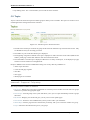
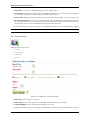
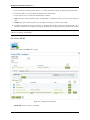
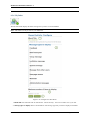
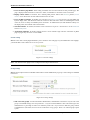
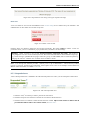
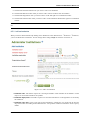
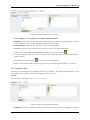
2. Who can create public groups: Choose whether everyone or only administrators can create public groups.
These are groups for which you do not need to be a member of the group or even have a login to Mahara to
view the group homepage, member listing and discussion forums.
3. Allow group categories: If checked, administrators can create categories for users to assign to their groups.
These categories can be used to filter groups in My groups and Find groups.
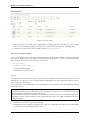
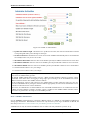
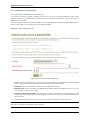
Institution settings
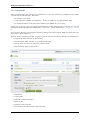
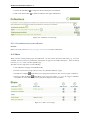
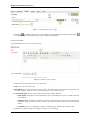
You can use Mahara with multiple institutions and separate them for administrative purposes, e.g. user management
and permissions, and to give them a different theme.
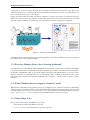
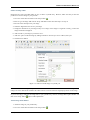
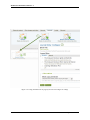
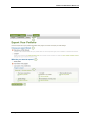
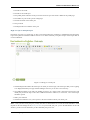
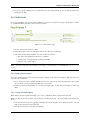
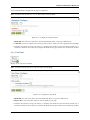
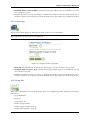
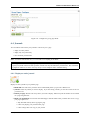
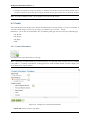
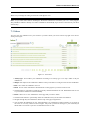
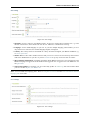
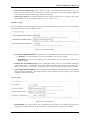
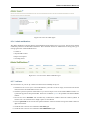
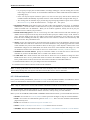
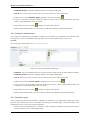
Figure 8.13: Institution settings
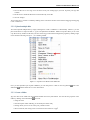
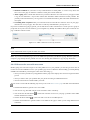
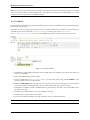
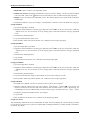
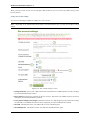
1. Users allowed multiple institutions: If checked, users can be members of several institutions at the same time.
• Advantage: A user who belongs to two or more institutions only needs one account.
• Disadvantage: If one or more institutions use custom themes, the user cannot choose which one is
displayed for him.
2. Warning time for institution expiry: If set, a notification will be sent to site and institution admins this
amount of time before an institution is due to expire and be suspended. This time may be specified in days,
weeks, months, years or ``No end date''. If the latter option is chosen, institutions will not expire by default.
3. Auto-suspend expired institutions: If set, this option will allow Mahara to automatically suspend an institution
that has expired automatically. This means that users of that institution will not be able to log in until the
institution has been unsuspended.
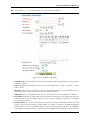
Account settings
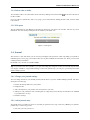
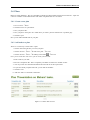
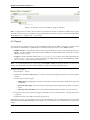
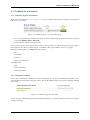
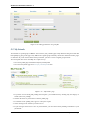
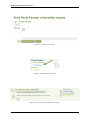
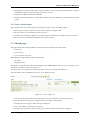
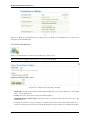
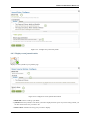
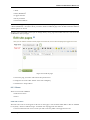
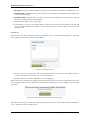
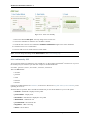
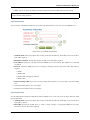
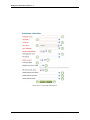
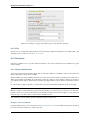
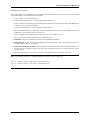
Figure 8.14: Account settings
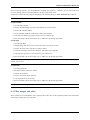
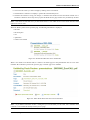
1. Session lifetime: For security reasons, after a specified period of inactivity, a user will be logged off the site
automatically. This field specifies this time in minutes. The default value is 1440 minutes (24 hours).
8.2. Configure site
115