1
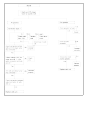
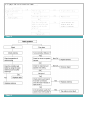
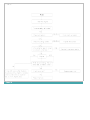
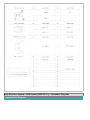
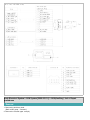
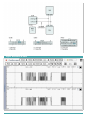
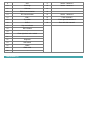
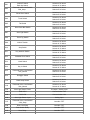
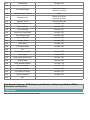
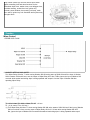
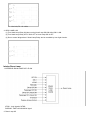
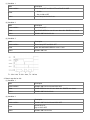
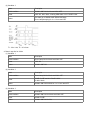
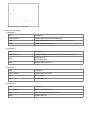
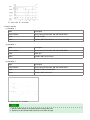
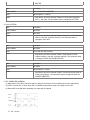
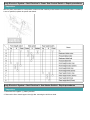
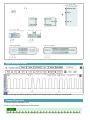
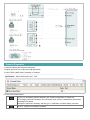
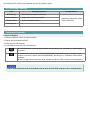
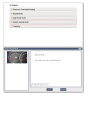
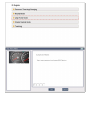
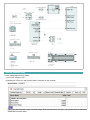
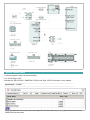
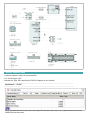
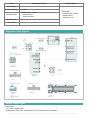
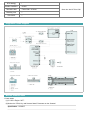
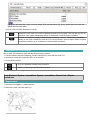
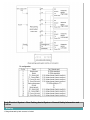
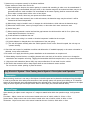
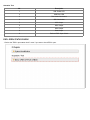
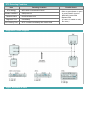
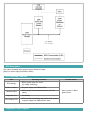
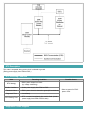
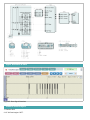
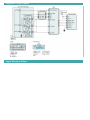
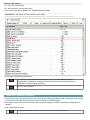
Menu tree
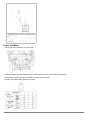
Phone Setup
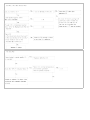
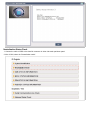
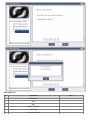
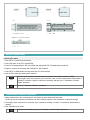
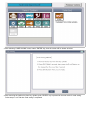
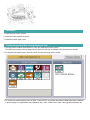
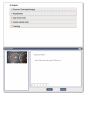
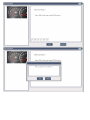
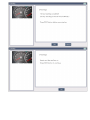
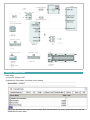
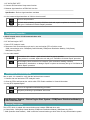
Pairing phone
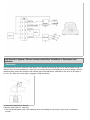
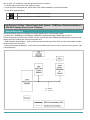
To use the hands-free system, you need to register your phone in the system. Up to 5 phones can be registered in the
system.
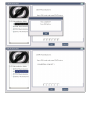
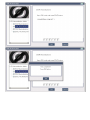
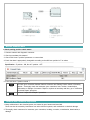
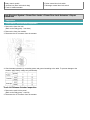
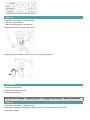
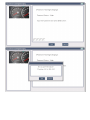
1. Press the
button.
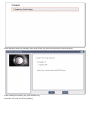
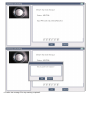
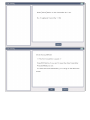
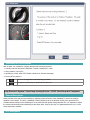
2. Say "Set Up".
3. Say "Pair Phone".
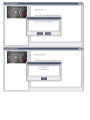
4. Say "Yes".
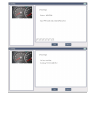
5. Say the name of the contact.
6. Say "Yes".
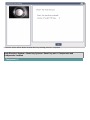
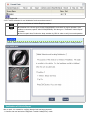
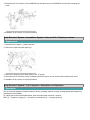
7. The Pairing procedure of the cellularphone varies according to each cellularphone.
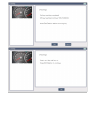
The system may not function in the followingcases:
If 5 phones have already been registered.If the system cannot communicate withthe phone.
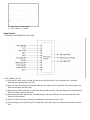
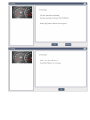
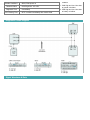
To connect phone
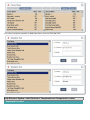
The registered phones can be selected. When the system connects to Bluetooth,the phone previously used is
automatically selected. Select a different phone if necessary. Only the selected phone can be used with the hands-free
system.
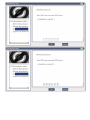
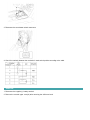
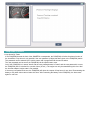
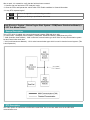
1. Press the
button.
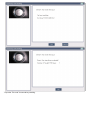
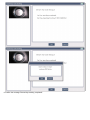
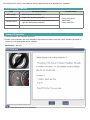
2. Say "Set Up".
3. Say "Select Phone".
4. Say the name of the contact or the number of the contact.
5. Say "Yes".
The system may not function in the following cases:
If the phone is not found.
If the system does not recognize the voice command.