1
Menu Items
Database
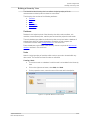
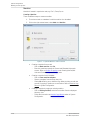
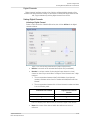
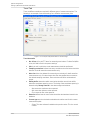
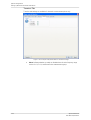
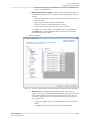
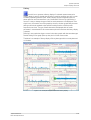
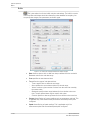
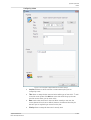
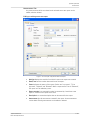
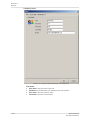
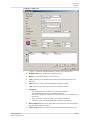
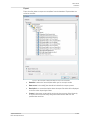
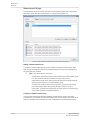
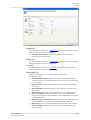
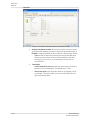
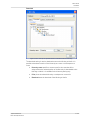
Creating a custom rule
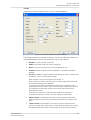
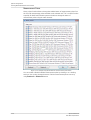
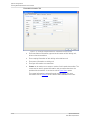
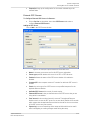
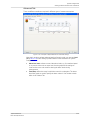
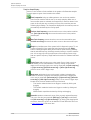
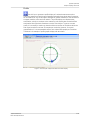
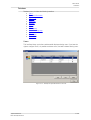
Figure 5-79: Example of @ptitude Observer creating custom diagnostic rule.
@ptitude Observer
User Manual, Revision I
·
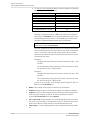
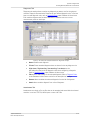
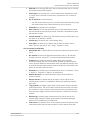
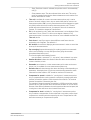
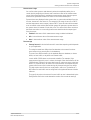
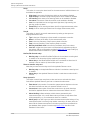
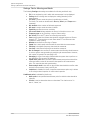
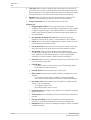
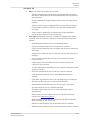
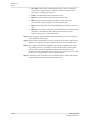
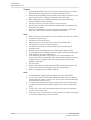
Diagnosis type is the categorization type of this rule.
·
Name is a user defined name to use for this rule.
·
Title is displayed for all measurement points that implement this particular
diagnosis.
·
Unit defines the units in which this diagnosis should be trended.
·
Type selects a type of data upon which the calculation is based.
·
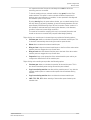
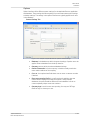
Calculation
- Rms calculates the Rms value for the selected frequencies.
- Sum calculates the sum of the selected frequencies.
- % of Overall calculates the Rms of the selected frequencies and divides it by
the overall.
- Peaks counts the number of peaks in the selected frequencies.
- Frequency finder finds the highest peak and trends its frequency.
·
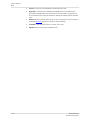
Noise reduction applies a filter that removes the noise from the spectra before
the calculation begins, if checked.
·
Search range performs a search for maximum amplitudes within this range.
5-143