1
System Operation
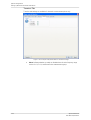
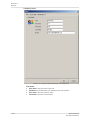
Buffer
·
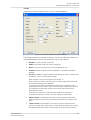
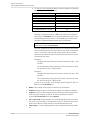
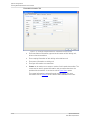
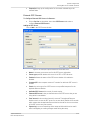
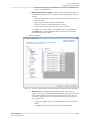
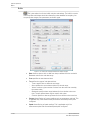
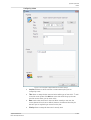
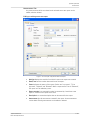
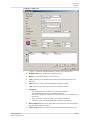
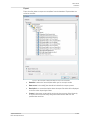
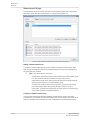
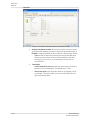
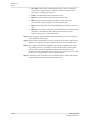
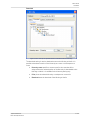
Digital allows filtering of digital input on or off. This is applicable if the
measurement point had an associated digital point configured.
·
Data tagging allows the filtering of material or characteristic related data that
are marked with a specific tag. Data can be tagged manually with Software data
tagging point or automatically by OPC data tagging points.
·
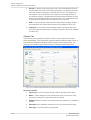
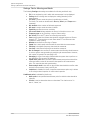
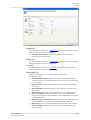
Buffer specifies from which buffer to collect the data.
·
@ptitude Observer
User Manual, Revision I
-
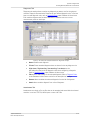
Normal: refers to the data stored in the rolling buffer. The type of data and
the storage interval are set in Trend Tab settings when creating a
measurement point .
-
Archive: refers to the data stored in a special buffer called archive. This
buffer stores one measurement data every 10 minutes. It can hold up to
80 000 measurement data which are equivalent to data collected in 1½
years. The type of data and the storage interval are set in trend setting
when creating a measurement point .
-
Transient: refers to the data captured during transient. Therefore, for this
type of buffer, a specific transient of a measurement group must be
selected.
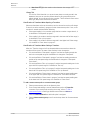
Use as default sets the current buffer setting as the default setting which will
be used when opening new windows. This setting is stored in the database and
will also be used when the user restarts the application.
4-111